Table of contents:

March 11, 2026

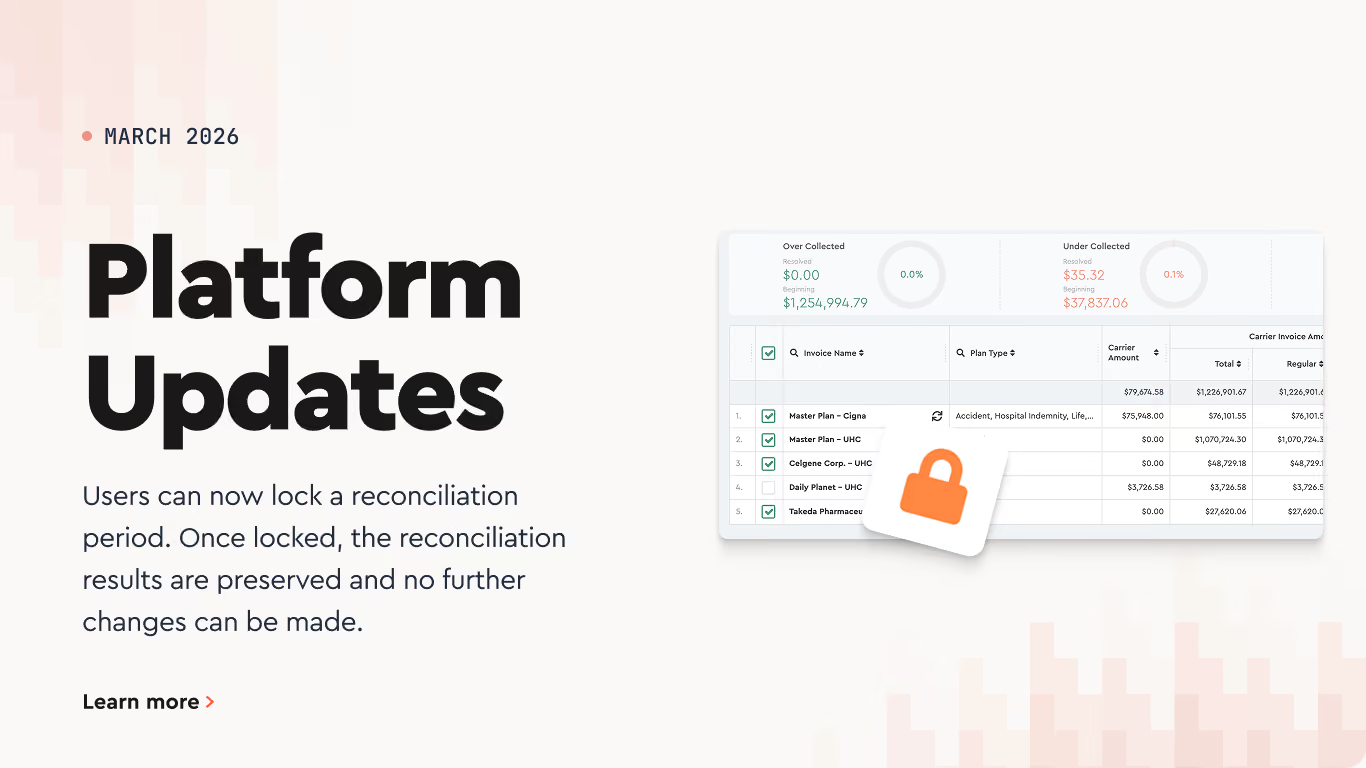
New Invoice Lock Feature

What Locking Does

When a reconciliation period is locked:

  • The invoice becomes read-only
  • Users cannot regenerate reconciliation data
  • Mass updates and adjustments are disabled
  • Reconciliation results are preserved exactly as finalized

This prevents accidental changes after reconciliation has been completed.

When to Use It

Lock the reconciliation period after all discrepancies have been reviewed and resolved.
This confirms the reconciliation results are final.

How to Lock a Reconciliation Period

  1. Open the invoice in Benefits Reconciliation
  2. Complete the reconciliation process
  3. Click the lock icon next to the invoice
  4. Confirm the action

Once locked, the invoice will display the lock indicator, showing the reconciliation period is closed for editing.

Andrey Brych

Andrey is a Head of Marketing at Tabulera. He has over eight years of experience in benefits operations and works closely with product and sales teams to bring HR and benefits technology to market.

Tabulera EDI 834
Get your first EDI 834 file live in 30 days
  • GO-LIVE 30 DAYS
  • NO CHARGE UNTIL DONE
  • PORTAL VISIBILITY
  • COMBINE FROM MULTIPLE HRIS
Learn more
Subscribe to our YouTube channel
Watch quick demos, product tips, and feature updates from our team.
Subscribe on YouTube

"Tabulera's Reconciliation Platform has significantly reduced our manual errors and streamlined our invoice audits. Our team feels more confident and less overwhelmed with the reconciliation process now."

Director of Benefits at ZampHR

Whats next:

  • Upload data from your HRIS, payroll, COBRA systems, and benefit plan invoices .

  • The platform instantly matches the data and highlights discrepancies.

  • Resolve mismatches with carriers or source data and generate reconciliation reports.