Buy on price alone and you'll be shopping for HR software again within eighteen months - fit beats cost, and popularity isn't fit either.
Match the tool to headcount: Gusto and BambooHR shine under 500 employees; Workday-class suites are overkill below a few thousand.
When you evaluate, weigh integration depth over feature count - and compliance coverage for every state you operate in, not just headquarters.
Whichever HRIS you pick, pair it with a reconciliation specialist - catching wrong-tier and terminated-employee charges is a skill all-in-one suites weren't built for.
Best HR Software: Quick Comparison
The fast version - company size fit and starting cost for each tool.
Tool
Best For
Starting Price
Standout Feature
Workday
Global enterprises
Custom quote
Unified HR + finance data model
UKG Pro
Shift-based industries
Custom quote
Scheduling and labor compliance
BambooHR
Small businesses
~$6.19/employee/mo
Fast setup, clean UX
Rippling
Tech-forward mid-market
~$8/employee/mo + base
HR, IT, and finance on one platform
ADP Workforce Now
Mid-market to enterprise
Custom quote
Payroll depth and tax compliance
Gusto
Startups and small teams
$49/mo + $6/person
Transparent, all-in-one pricing
Paychex Flex
SMBs wanting bundled support
Custom quote
Payroll + HR + benefits bundle
SAP SuccessFactors
Multinational enterprises
Custom quote
Global HCM standardization
Paycor
Mid-market leaders
Custom quote
Built-in analytics and reporting
Tabulera
Benefits teams, brokers, PEOs
Custom quote
Benefits invoice reconciliation + EDI
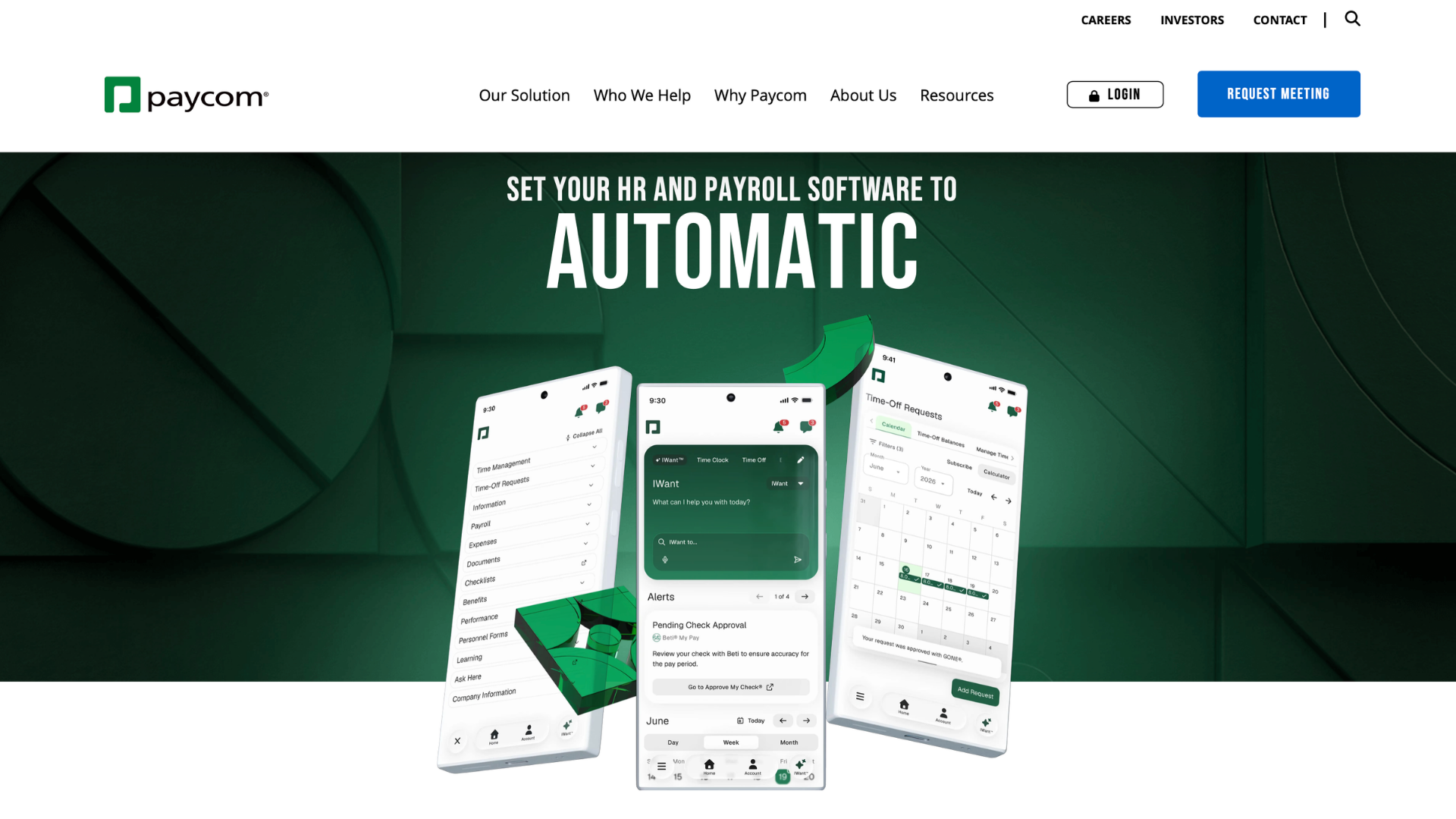
Paycom
Mid-market to enterprise
Custom quote
Employee-driven payroll (Beti)
Namely
Mid-market with culture focus
Custom quote
HR + payroll + benefits in one workspace
Deel
Global/remote hiring
From $19/contractor/mo
Cross-border compliance
Justworks
Lean teams wanting a PEO
~$59–$109/employee/mo
Bundled benefits access
Insperity
Companies wanting a PEO partner
Custom quote
Dedicated HR account manager
How We Evaluated the Best HR Tools
We scored each of these software tools against criteria that matter more than marketing pages:: ease of use for HR generalists (not just IT), ability to scale, depth of native integrations, compliance coverage and quality of implementation support - plus how well a tool handles one specific job instead of everything adequately. We also weighed mobile app quality and whether a platform offers workforce analytics or AI tools that genuinely save time.
15 Best HR Tools & Software Solutions for 2026
In no particular ranking order beyond fit:
Workday
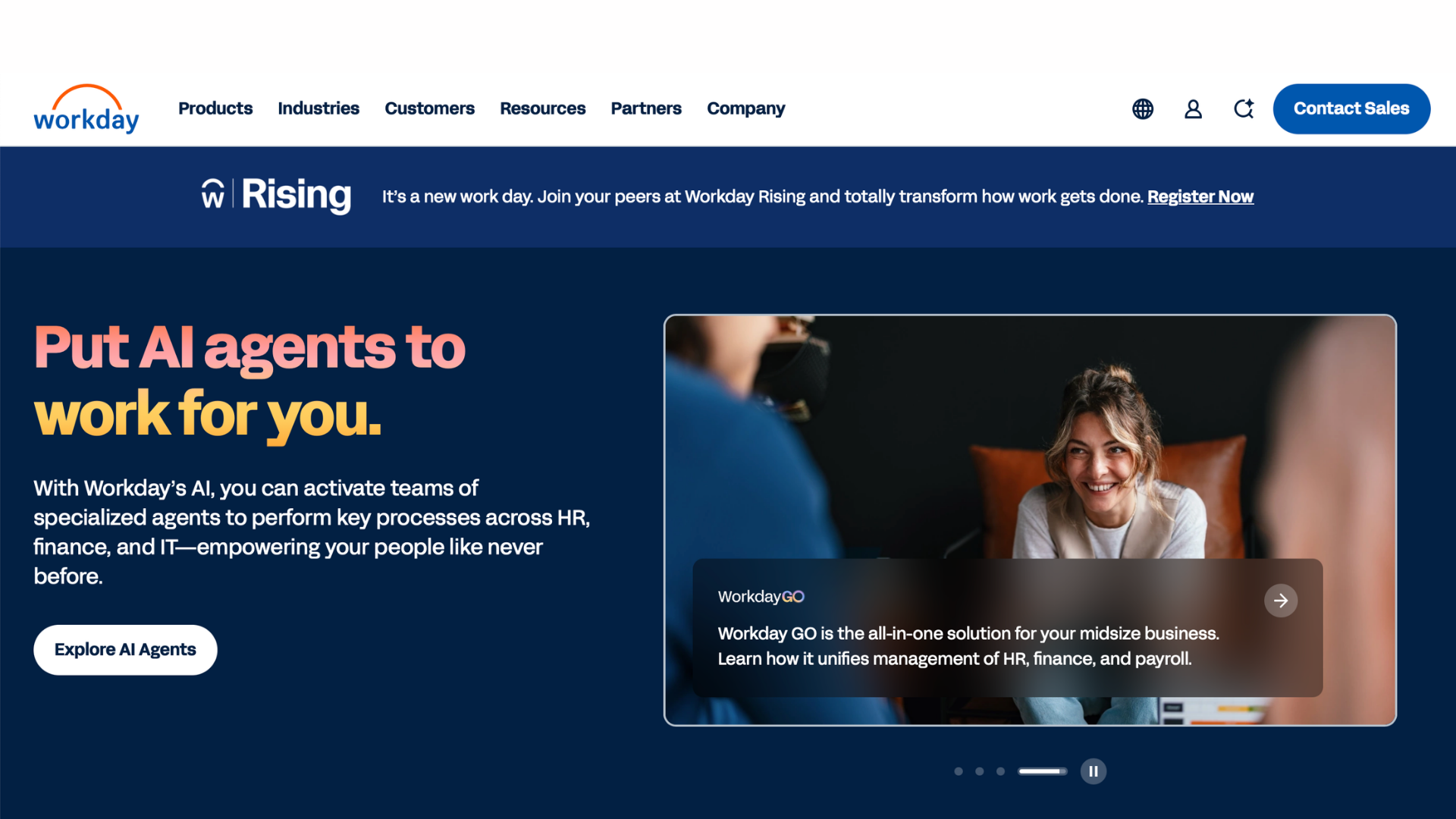
Overview: Workday is the enterprise HCM benchmark, unifying HR, payroll, talent, and financial data for the largest organizations.
Key Features: Unified HR and finance data model, workforce planning, candidate sourcing and applicant tracking built into core HCM, advanced reporting.
Pros: Deep functionality at scale; strong HR-finance data consistency; broad partner ecosystem.
Cons: Expensive; long implementations; overkill below a few thousand employees.
Best For: Fortune 500-scale organizations wanting HR and finance on one system of record.
Why It's on Our List: Workday is routinely cited as one of the best hr systems for consolidating HR and financial reporting under a single data model.
UKG Pro
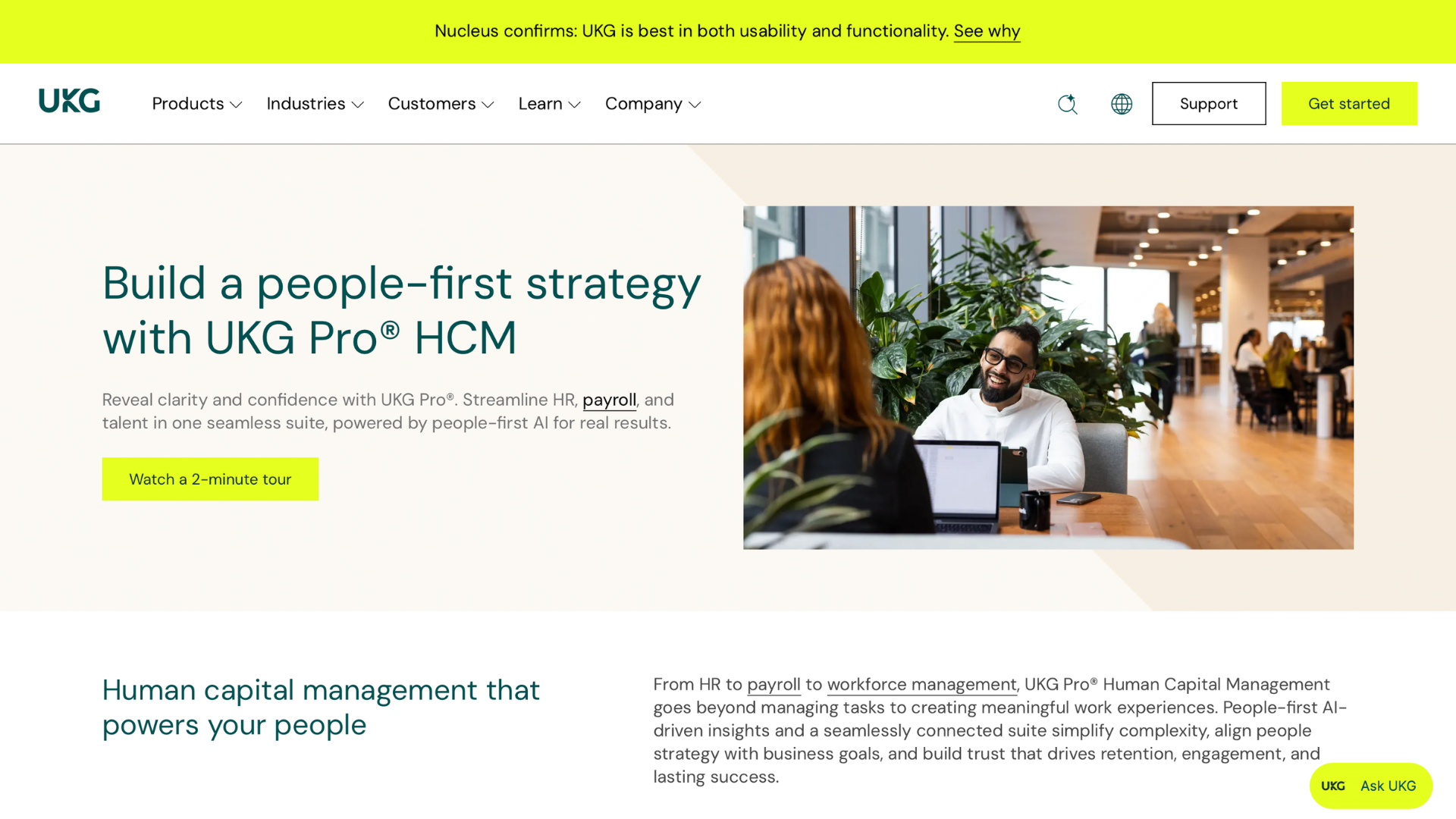
Overview: UKG Pro combines HR, payroll, and talent management with some of the strongest scheduling and labor compliance tools available.
Key Features: Shift scheduling paired with performance tracking for hourly teams, time and attendance tracking, compliance alerts, people analytics.
Pros: Excellent for shift environments; strong compliance tooling; solid mobile experience for frontline workers.
Cons: Dated interface in places; pricing isn't public; often needs a dedicated admin.
Best For: Healthcare, retail, and manufacturing companies managing shift-based workforces.
Why It's on Our List: UKG Pro fits organizations with complex, round-the-clock scheduling needs better than most generalist platforms.
BambooHR
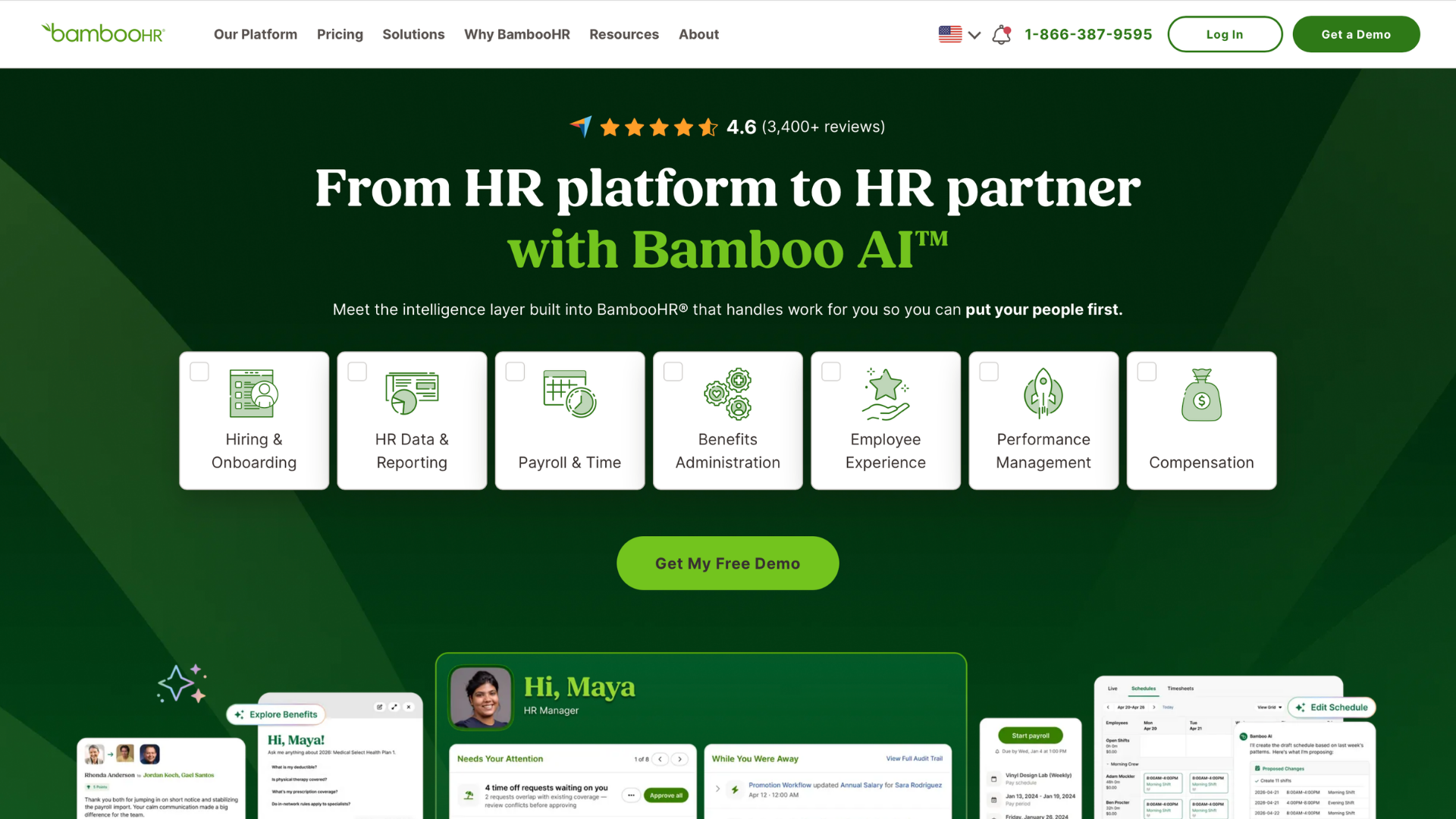
Overview: BambooHR is built for small, growing companies that want core HR without a steep learning curve.
Key Features: Employee records and onboarding workflows, employee engagement surveys and sentiment tracking, time-off tracking, hiring pipeline tools.
Pros: Fast to implement; intuitive for non-technical teams; strong support reputation.
Cons: Limited payroll depth in some states; advanced reporting needs higher tiers; not built for complex, multi-entity companies.
Best For: Companies under 500 employees prioritizing ease of use.
Why It's on Our List: For smaller teams, BambooHR is consistently named a best hr tool because it does core HR well without unnecessary complexity.
Tabulera
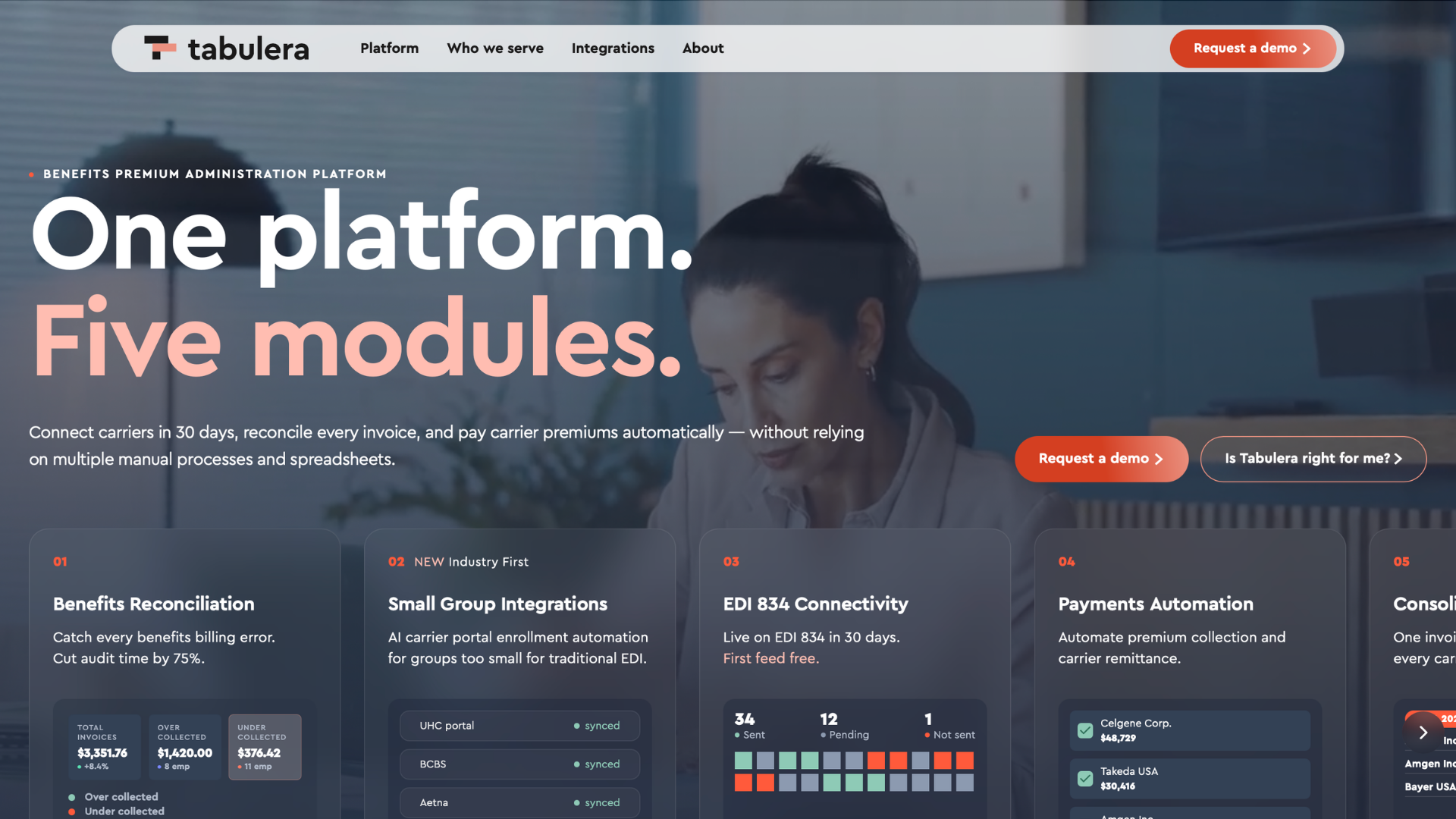
Overview: Tabulera isn't a full HRIS - it's a specialized platform automating benefits reconciliation and EDI 834 carrier connectivity, catching errors manual reconciliation misses.
Key Features: Automated matching of carrier invoices against enrollment and payroll data, EDI 834 connections live in about 30 days, consolidated invoicing across carriers, payment automation.
Pros: Reconciles roughly 75% faster than spreadsheet-based audits; eliminates most benefit write-offs; platform-agnostic, so it works alongside your existing HR management tools rather than replacing them; first EDI feed set up at no cost (30-day free trial, no credit card required).
Cons: Not a replacement for a full HRIS or payroll system - a companion tool focused on benefits accuracy; best suited to teams with meaningful benefits volume.
Best For: BPOs and PEOs managing multiple client accounts, employers with 500+ employees, and insurance brokers protecting clients from billing errors.
Why It's on Our List: Every list of best hr tools assumes benefits administration is a solved problem. It isn't. Most all-in-one suites can enroll employees in benefits, but almost none catch it when a carrier bills for the wrong tier, a terminated employee, or a plan that changed mid-year - and that gap is exactly where premium leakage happens. Tabulera is arguably the best hr tool for any benefits team still auditing invoices manually at 11 p.m. before a renewal deadline.
Why HR Teams Choose Tabulera?
Benefits teams don't lack effort - they lack hours. Most companies have exactly one person responsible for catching invoice errors across dozens of carrier bills, and Excel wasn't built for that job. Tabulera's customers report cutting reconciliation time by roughly 75% and eliminating most of the write-offs that used to slip through unnoticed. For brokers and PEOs onboarding new groups, the EDI 834 module gets new carrier connections live in about 30 days - and none of it requires replacing your HRIS.
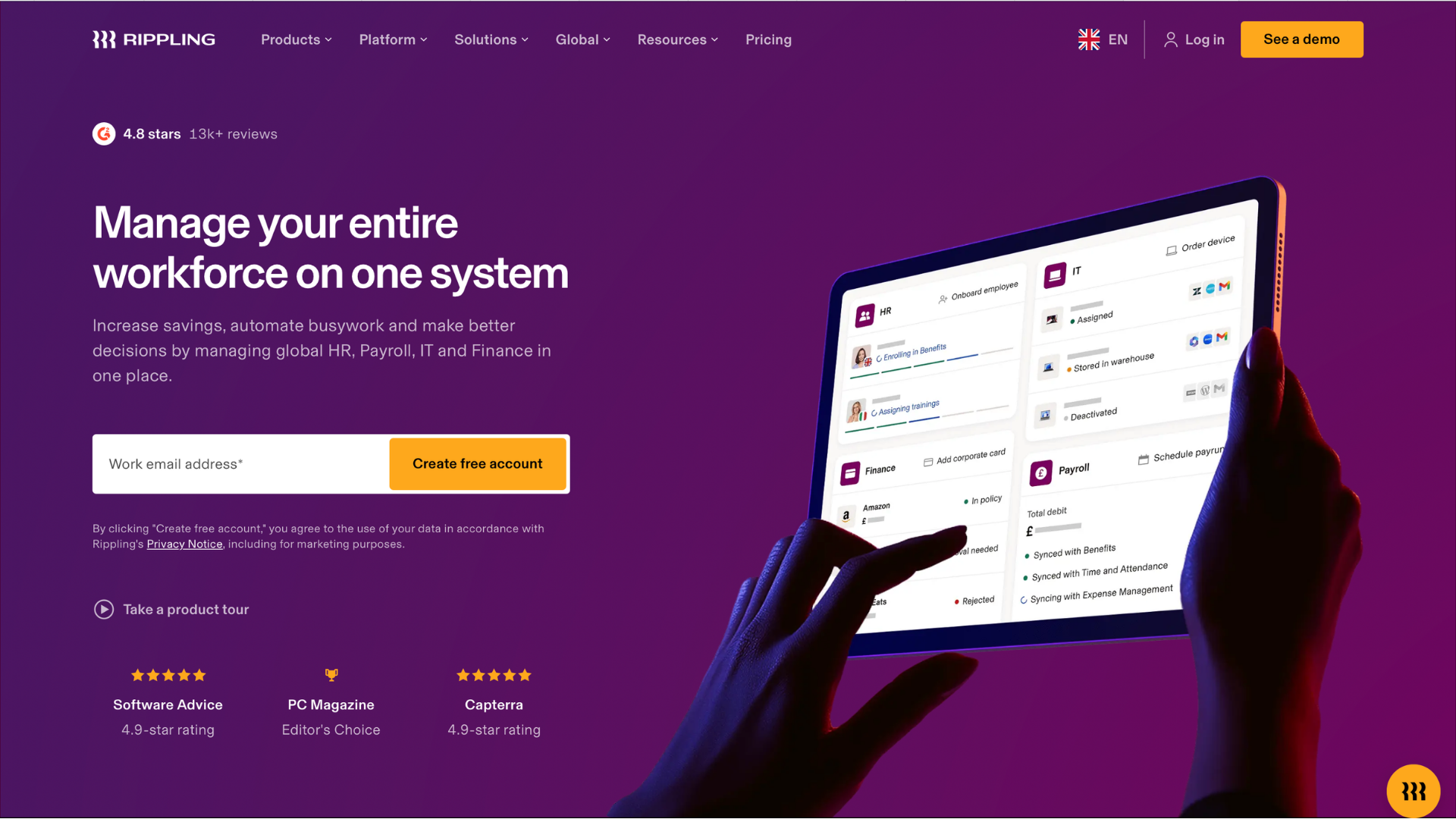
Rippling
Overview: Rippling unifies HR, IT, and finance, letting companies manage payroll, devices, and app access from one login.
Key Features: Time tracking and device management in the same dashboard, automated app provisioning, global payroll, custom workflow builder.
Cons: Costs rise as you add modules; the workflow builder has a learning curve.
Best For: Tech-forward mid-market companies wanting HR and IT on one platform.
Why It's on Our List: Rippling is a best hr tool for companies that already run everything else through one login and want HR to fit the same model.
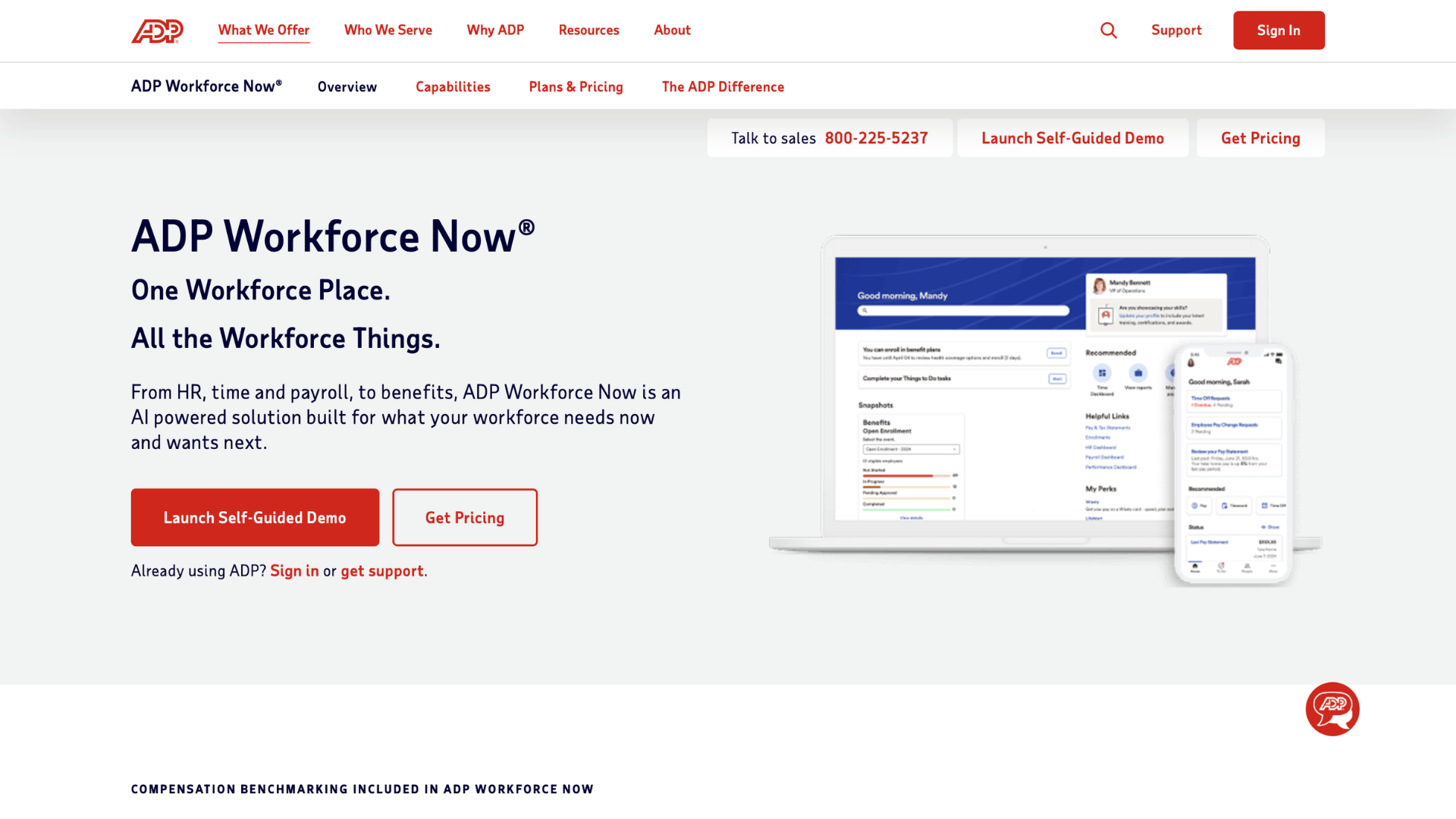
ADP Workforce Now
Overview: ADP Workforce Now pairs decades of payroll expertise with a broader HR platform covering benefits, talent, and compliance.
Key Features: Payroll and tax filing across all 50 states, benefits administration, onboarding and performance tools,and multi-state compliance management.
Pros: Deep payroll and tax compliance expertise; strong support network; scales from mid-market to enterprise.
Cons: Busy interface; pricing requires a sales call; some features cost extra.
Best For: Companies wanting payroll depth alongside HR without switching vendors as they grow.
Why It's on Our List: ADP Workforce Now fits companies that want payroll and HR under one long-trusted vendor.
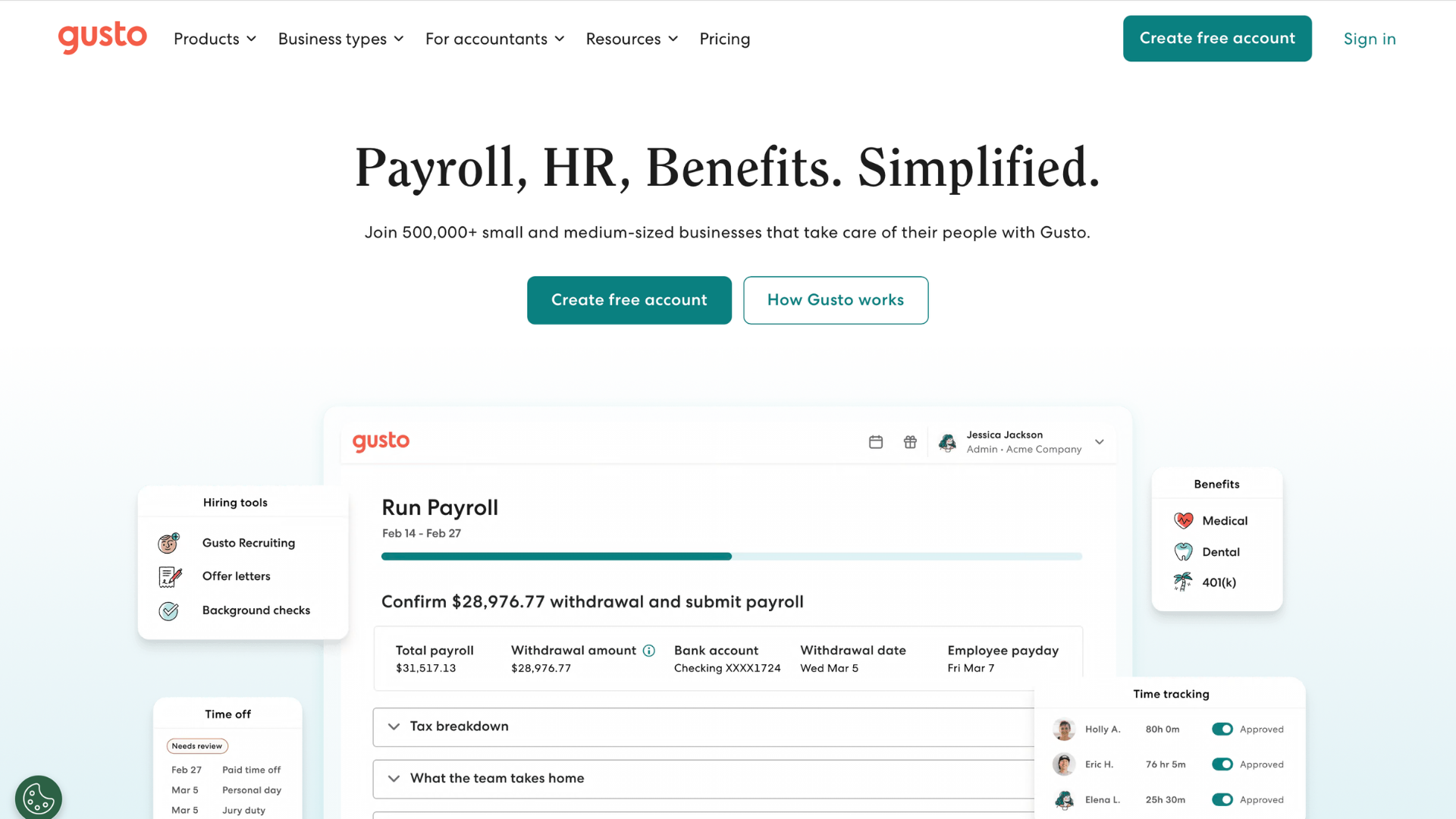
Gusto
Overview: Gusto packages payroll, HR, and benefits into a simple, transparently priced platform for smaller companies.
Key Features: Automated payroll and tax filing, benefits administration, clean mobile app for employee self-service, basic performance management tools.
Pros: Transparent pricing; easy setup; well-reviewed support for first-time HR hires.
Cons: Limited scalability past a few hundred employees; fewer enterprise compliance features; basic reporting.
Best For: Startups and small businesses hiring their first HR person.
Why It's on Our List: Gusto is popular hr software among startups for good reason, and it earns its spot as a best hr tool for first-time HR hires who need guardrails, not complexity.
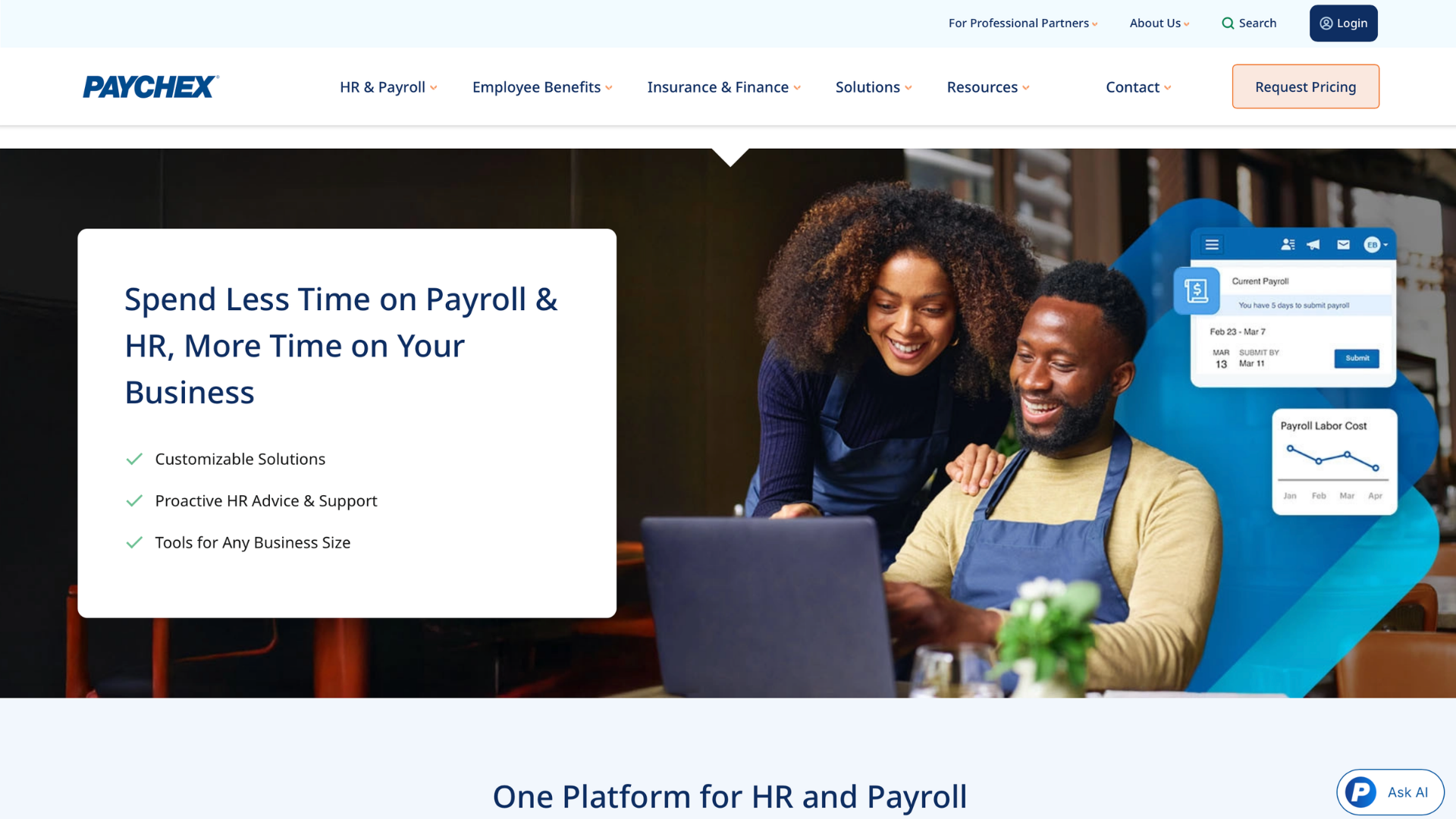
Paychex Flex
Overview: Paychex Flex bundles payroll, HR, and benefits administration with hands-on support for small and mid-sized employers.
Key Features: Payroll processing, built-in time tracking for hourly workforces, benefits administration, HR advisory services.
Pros: Strong customer support reputation; flexible modules, a service layer, not just software.
Best For: Businesses wanting payroll, HR, and benefits from one long-standing provider.
Why It's on Our List: Paychex Flex fits teams that value hands-on support as much as the software itself.
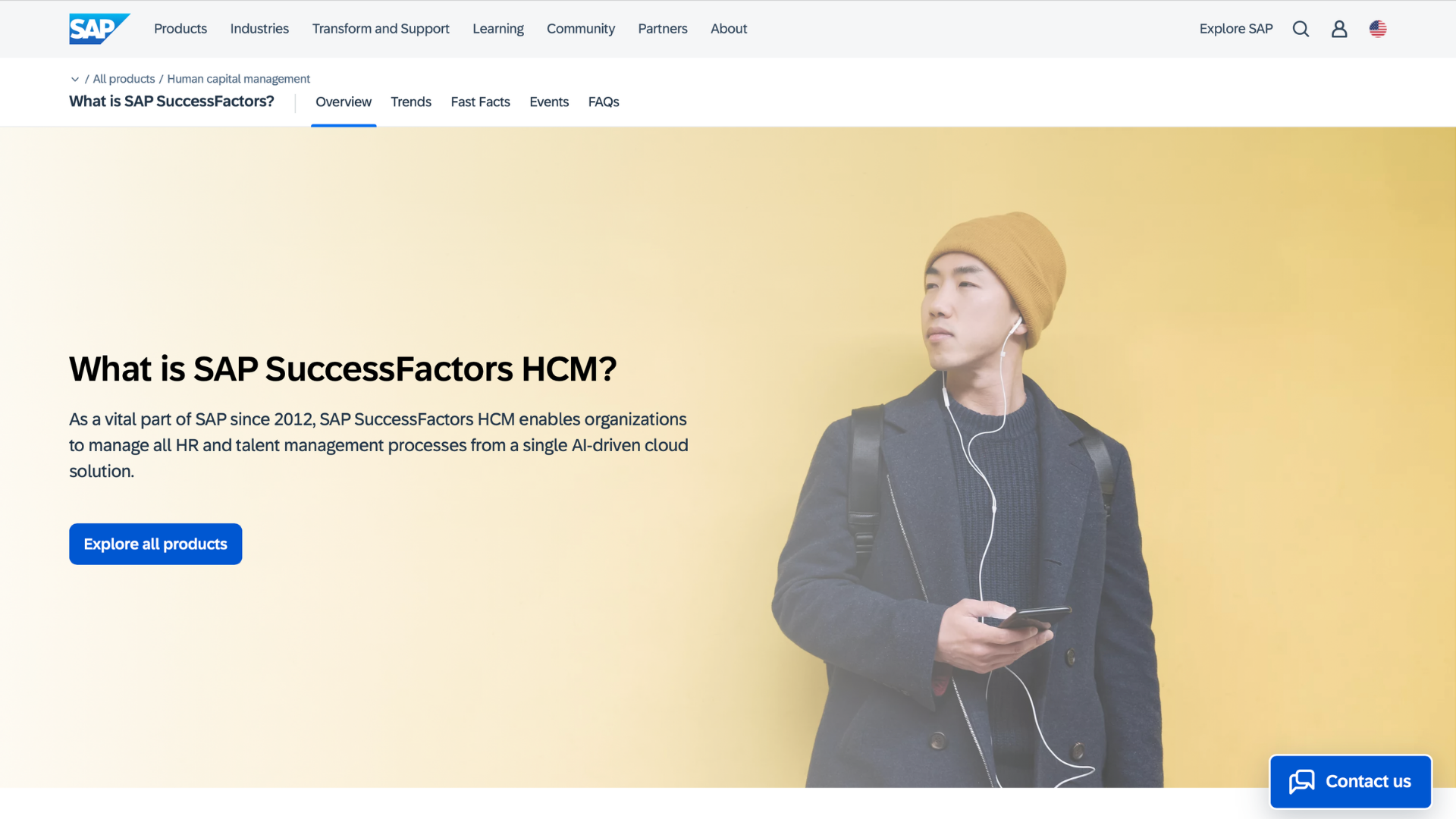
SAP SuccessFactors
Overview: SAP SuccessFactors is an enterprise Human Capital Management suite built for multinational compliance and standardized HR.
Key Features: Global compliance frameworks, succession planning, learning management, and organizational design tools.
Pros: Deep functionality for multinational compliance; strong analytics; integrates well with other SAP systems.
Cons: Steep learning curve; long implementations; better suited to enterprises than mid-market companies.
Best For: Multinational enterprises standardizing HR across many countries.
Why It's on Our List: SAP SuccessFactors is one of the best hr platforms for multinational enterprises that need consistent HR processes across borders.
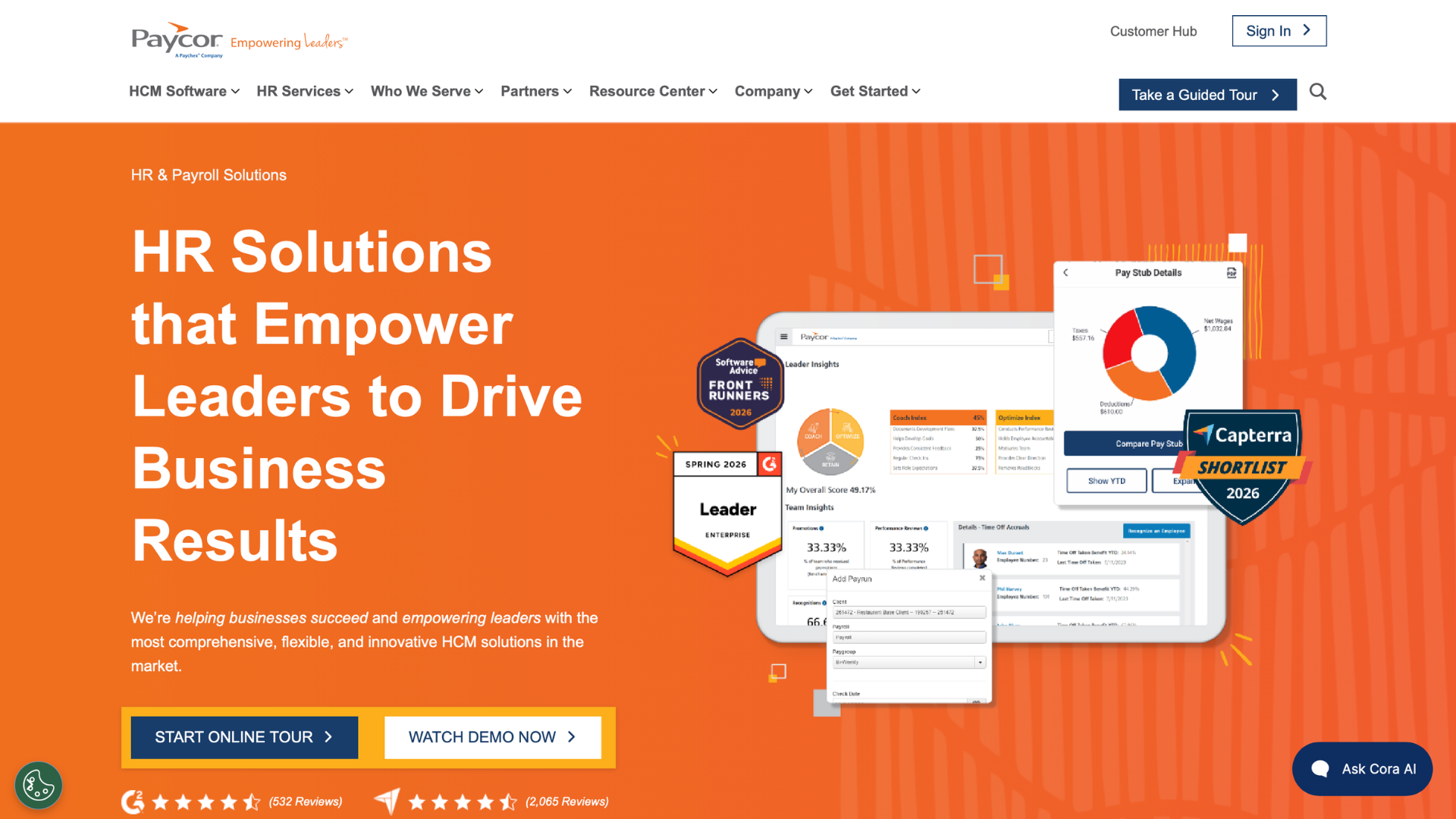
Paycor
Overview: Paycor targets mid-market leaders wanting built-in analytics and a modern interface without a dedicated data team.
Best For: Mid-market companies prioritizing employee experience alongside core HR.
Why It's on Our List: Namely built its reputation as a best hr platform for mid-market companies with strong culture teams.
Deel
Overview: Deel specializes in global hiring and compliance, letting companies employ or contract talent across borders without local entities.
Key Features: Global contractor onboarding, compliant international payroll, mobile app for contractor and employee self-service across time zones, built-in compliance monitoring.
Pros: Fast global hiring; strong compliance coverage across countries; simple contractor payments.
Cons: Core HR features thinner than dedicated HRIS platforms; costs add up with many contractor seats.
Best For: Companies hiring across borders without opening local legal entities.
Why It's on Our List: Deel fits companies building a global or remote workforce quickly and compliantly.
Justworks
Overview: Justworks is a PEO built for small businesses wanting simple payroll, HR, and large-group benefits rates.
Key Features: Payroll and tax filing, PEO-sponsored benefits access, compliance support, and basic onboarding tools.
Pros: Simple, transparent pricing tiers; strong benefits access for small teams; responsive support.
Cons: Limited customization for larger or complex organizations; fewer advanced features than dedicated HRIS platforms.
Best For: Lean teams wanting PEO-level benefits without PEO-level complexity.
Why It's on Our List: Justworks earns its place as a best hr tool for lean teams that want PEO-level support without a heavy price tag.
Insperity
Overview: Insperity pairs PEO services with a dedicated HR account manager for companies wanting a human relationship behind the software.
Key Features: Payroll, benefits administration, compliance monitoring, and a dedicated HR support team for PEO clients.
Pros: Strong personal support; access to large-group benefits pricing; solid compliance coverage.
Cons: Co-employment requires trust in a third party; pricing runs higher than pure software; less flexibility for full control.
Best For: Companies wanting a PEO partner with a dedicated account manager.
Why It's on Our List: Insperity fits businesses that want a PEO relationship with a real person on the other end of the phone.
Best HR Software by Use Case
Picks above, sorted by use case:
Best HR Tools for Small Businesses
BambooHR, Gusto, and Justworks lead here, prioritizing fast setup and simple pricing over enterprise-grade depth.
Best HR Software for Mid-Sized Companies
Rippling, Paycor, and Namely fit companies that have outgrown small-business tools but don't yet need enterprise complexity. Insperity work well if you'd rather outsource HR through a PEO.
Best HR Tools for Enterprises
Workday, UKG Pro, and SAP SuccessFactors dominate the enterprise tier, offering the compliance depth and data consistency large, multi-entity organizations require.
Best HR Software for Workflow Automation
Rippling and ADP Workforce Now stand out for onboarding and compliance automation. For a narrower, high-impact win, Tabulera automates the benefits reconciliation workflow most platforms still leave to spreadsheets.
Best HR Software for Remote Teams
Deel and Rippling are built for distributed workforces, with strong compliance coverage across states and countries.
Best HR Tools for Global Workforce Management
Workday, SAP SuccessFactors, and Deel lead here, each covering compliance and payroll across dozens of countries.
Best HR Tools Comparison Table
Narrowing down top hr systems by feature depth rather than size? This breaks it out further.
Tool
Core HR
Payroll
Benefits Admin/Reconciliation
Best Company Size
Workday
Yes
Yes
Basic admin
Enterprise
UKG Pro
Yes
Yes
Basic admin
Mid-market to enterprise
BambooHR
Yes
Add-on
Basic admin
Small business
Rippling
Yes
Yes
Basic admin
Mid-market
ADP Workforce Now
Yes
Yes
Basic admin
Mid-market to enterprise
Gusto
Yes
Yes
Basic admin
Small business
Paychex Flex
Yes
Yes
Basic admin
Small to mid-market
SAP SuccessFactors
Yes
Add-on
Basic admin
Enterprise
Paycor
Yes
Yes
Basic admin
Mid-market
Tabulera
No
No
Full invoice reconciliation + EDI
500+ employees, brokers, PEOs
Paycom
Yes
Yes
Basic admin
Mid-market to enterprise
Namely
Yes
Yes
Basic admin
Mid-market
Deel
Limited
Yes (global)
Limited
Global/remote
Justworks
Yes (PEO)
Yes
Full-service (PEO)
Small business
Insperity
Yes (PEO)
Yes
Full-service (PEO)
Small to mid-market
Essential Features to Look for in HR Tools
Make sure your shortlist covers these fundamentals: review and goal-tracking workflows managers will actually use, integration depth over feature count, and compliance coverage for every state you operate in, not just headquarters. Look closely at the quality that separates best human resource software from a system that merely stores basic employee data.
Common Mistakes to Avoid When Choosing HR Software
Treating price as the only variable is one of the fastest ways to end up needing best software for hr all over again within eighteen months. Buying every HR management tools add-on upfront, before your team knows which ones it'll actually use, wastes budget. Switching HR software right before open enrollment is another common misstep. And don't assume a broad HRIS automatically covers benefits accuracy - invoice reconciliation is a distinct skill set most all-in-one suites weren't built for.
Final Thoughts
There's no single right answer to which HR software to run - fit depends on headcount, industry, and how much you want to manage in-house versus through a PEO. Gusto and BambooHR remain most popular hr software among small businesses, but popularity isn't the same as fit. The right mix of HR management tools depends on your workflows, not a vendor's sales deck. And if benefits accuracy is the gap in your stack, it's worth evaluating a specialized tool like Tabulera alongside whatever HRIS you already run.
FAQ
Frequently asked questions
What is the best hr software in 2026?
There isn't one universal answer. Workday and UKG Pro lead for large enterprises, Gusto and BambooHR lead for small businesses, and specialized tools like Tabulera lead for benefits invoice accuracy. It depends on your company size and which problem you're solving first.
What are the top HR software solutions for mid-sized companies?
Rippling, Paycor, Namely, and Paycom... Insperity works well if you'd rather outsource HR through a PEO.
Is it worth investing in HR tools for a growing business?
Yes, generally. Manual processes scale poorly, and picking best hr software early usually costs less than the compliance mistakes, payroll errors, and premium leakage that pile up past a few dozen employees.
What's the difference between an HRIS and specialized HR tools like benefits reconciliation software?
An HRIS manages the full employee lifecycle: onboarding, payroll, performance, and records. Specialized tools like Tabulera focus on one high-cost problem - catching benefit invoice errors - and integrate with your existing HRIS rather than replacing it.
Do I need dedicated recruiting tools, or is hiring built into HR platforms?
Most core HR platforms include basic hiring tools, but talent teams with high-volume hiring often add dedicated HR recruitment tools or recruitment software for deeper applicant tracking.
How much does HR software typically cost?
HR software pricing usually falls into per-employee-per-month tiers, from roughly $5–$15 for core HR platforms to custom enterprise quotes. PEO pricing ( Justworks, Insperity) runs higher per employee but bundles in benefits access and HR support.
How do performance reviews and employee growth plans fit into core HR platforms?
Most platforms cover basic performance reviews, but turning those reviews into a real employee growth plan usually takes more than a form. Human Resources teams increasingly pair core systems with dedicated development tools that track skills, goals, and career progress between review cycles, not just once a year.
What specialized HR tools aren't covered in this list?
This list focuses on core HR platforms, but a few categories deserve a separate mention: a standalone applicant tracking system for high-volume recruiting, dedicated training management software for compliance certifications and onboarding curricula, and case management tools like HR Acuity for workplace investigation and employee relations documentation.
Benefits Open Enrollment: Employer Guide and Checklist
A complete open enrollment guide for employers: when the open enrollment period runs, key dates and deadlines, a step-by-step checklist, and tips that work.
Best HRIS Systems: Top 10 Picks by HR Teams in 2026
Discover the best HRIS systems in 2026. Compare the top 10 HRIS platforms, features, pricing, pros and cons, and find the best HRIS software for your HR team