NEW

Workday Integration for Benefits Reconciliation

reconcile faster
protect benefit spend

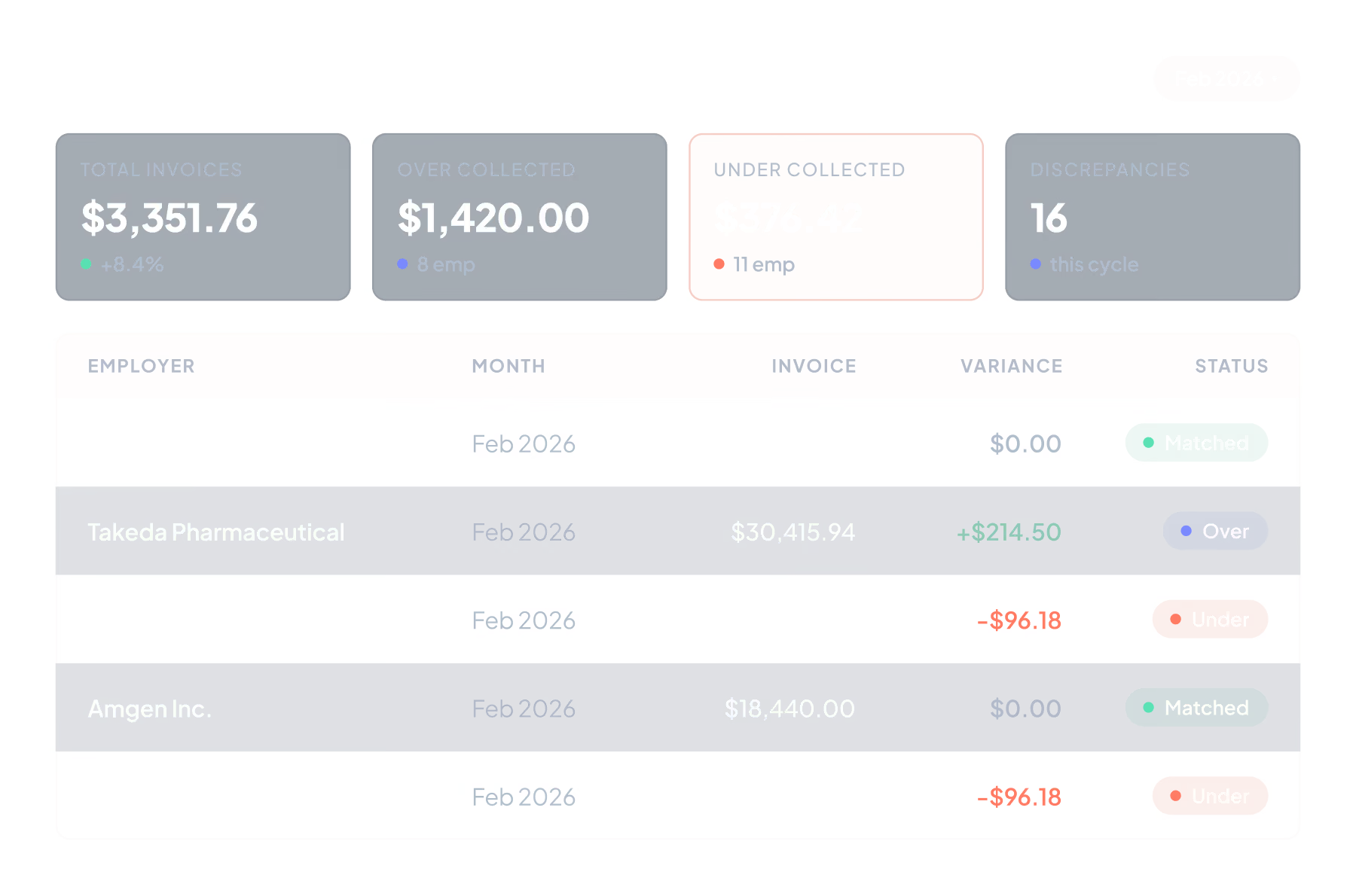
Tabulera’s Workday integration helps teams find and resolve billing variances faster

Catch billing errors.
Speed up monthly audits.
Eliminate write-offs.

How Workday Teams Typically Reconcile Benefit Invoices

Since carrier bills live outside the Workday environment, teams export enrollment and payroll reports and combine them with carrier invoices in Excel. This spreadsheet layer is used to connect Workday data with billing data so totals can be reviewed and explained.

The work is typically maintained by one person and handled alongside other responsibilities, rather than through a dedicated, visible workflow.

Why reconciliation breaks down

Month Start
Month End
Clean-up
Carry over prior period items
Generate Workday reports
Download carrier invoices
Align names, plans
Carry over prior period items
Analysis
Identify variances
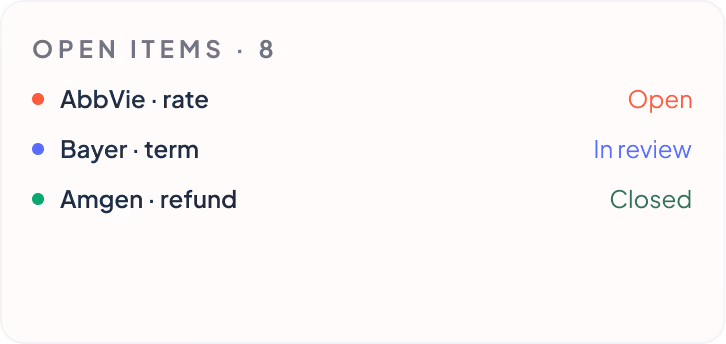
Separate resolved vs open items
Reporting
Summarize balances
Prepare explanations
Roll forward unresolved items
Mismatches
Beginning
$8,650.00
Resolved
$6,912.50

Manual data preparation

Each cycle starts with exporting reports, cleaning files, and aligning formats. Data preparation alone can take days before review begins.

Misaligned timing

Carrier billing cycles and payroll frequencies rarely line up, so totals do not naturally match.

Clark Kent
MED-PPO-01
Billed Amount:
$650.00
Clark James Kent
SSN: 123-45-6789
MED-PPO-01
Deduction:
$83.08
Contribution:
$470.00

No shared identifier

Carrier bills do not reference Workday employee or coverage IDs. Teams rely on names, plan labels, and assumptions to infer matches across systems.

Custom logic everywhere

Spreadsheets rely on formulas, assumptions, and manual adjustments to make the data usable.

Streamline Benefits Reconciliation with Workday Integration

Tabulera helps teams focus on employee-level variances instead of full invoice reviews.

Instant start

No more hours spent stitching together reports and carrier invoices in Excel.

  • Workday data automatically synced

  • Simply drop in your carrier invoices

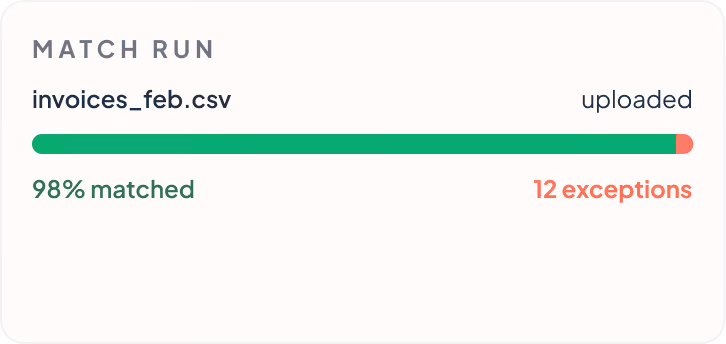
  • Most records matched automatically

Enrollment
Payroll
COBRA

Noise removed

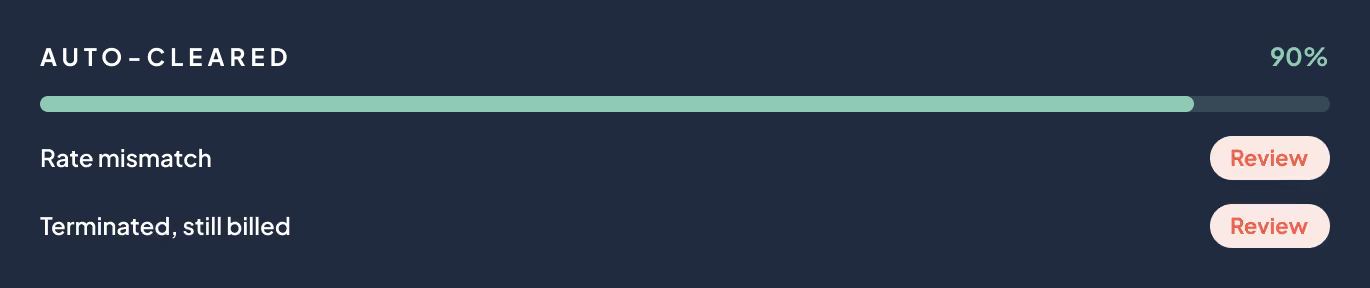
No more reviewing employees with no issues. Only records with variances remain.

  • Clean records filtered out automatically

  • Focus only on employees with issues

  • Review time stays consistent each month

+90%
Employees auto resolved

Explain Faster

No more digging through historical financial data to explain variances.

  • All employee charges and adjustments connected

  • Full variance history available in one view

  • Answers available without reopening prior periods

75%
Faster than Excel

How Tabulera’s Workday Integration Works

Tabulera introduces a structured workflow that is easy to learn, easy to manage, and consistent month to month.

1

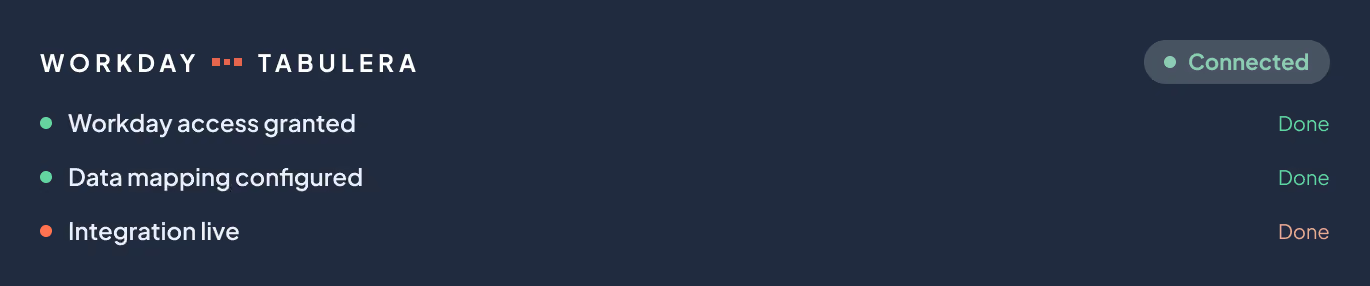
Connect Workday via Secure API

Tabulera's workday benefits reconciliation integration eliminates recurring manual data preparation. Enrollment and payroll data stays in sync through a secure API connection, so reconciliation always starts with current data.

2

Upload invoices

Removes file cleanup and formatting work. Invoices can be uploaded as received, without adjusting layouts or renaming fields.

Pick reconciliation period

June
6
July
7
August
8

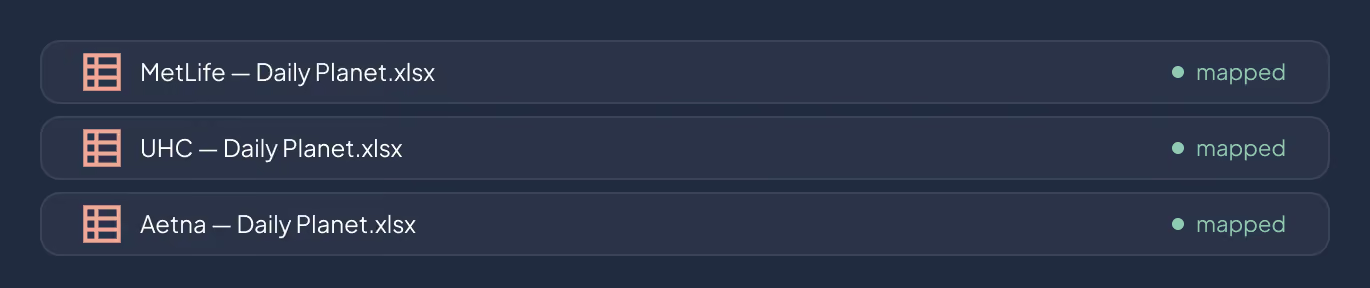
Drop in your carrier bills

MetLife - Daily Planet.xlsx
UHC - Daily Planet.xlsx
Aetna - Daily Planet.xlsx
Drop invoices here

Map invoice plans to Workday

Invoice Plans:
Clark Kent
Edit Mapping
Invoice Plans:
Clark J. Kent
Edit Mapping
3

match automatically

Replaces spreadsheet logic and manual joins. Most records are matched automatically, and when clarification is needed, the system prompts for quick input and retains the mapping.

4

Automatically Find Variances

Employees without issues are filtered out, so review starts directly with variances that need attention. Variances are automatically categorized, making it easy to spot patterns and recurring issues.

5

Resolve variances

Prevents month-to-month resets. Each variance keeps its full transaction history with employee-level detail. Each action updates the employee’s plan balance and is captured in reconciliation reports, keeping explanations consistent over time.

Billing dispute

Notify carriers, request refunds, and track follow-up until resolved

Data correction

Update enrollment or payroll data directly in Workday and keep records aligned

Pending review

Add notes, document status, and wait for carrier or payroll adjustments

Control write-offs

Close out older or immaterial balances based on company policy

6

Maintain Audit Trail

Eliminates undocumented changes. Every reconciliation step is logged, so auditors can see what was reviewed, adjusted, or written off without rebuilding history.

7

Generate Reports

Removes manual report building and follow-up questions. With one click, teams generate audit-ready reports that give Finance clear totals and GL support.

What Automating Reconciliation means for Stakeholders?

Benefits reconciliation impacts multiple stakeholders - from Finance to HR - and automation brings measurable gains to each group.

For Finance Teams

  • Accurate monthly benefits spend
  • Fewer surprise write-offs
  • Audit-ready reports to support financial close

For Benefits Admins

  • No more manual Excel audits
  • Variances explained with reasons and resolution paths
  • 75% faster month-end reconciliation

For HR Leaders

  • Confidence in accurate coverage
  • Stronger controls without adding headcount
  • Ability to scale benefits operations as the company grows

Case Study: $136K in Premium Write-Offs Saved by Q3

A large employer with 7,000 benefit-eligible employees struggled with premium leakage, averaging $136,944 in write-offs in Q1 alone. Manual reconciliation caused delays, errors, and unnecessary costs.

By implementing Tabulera’s Benefits Reconciliation Module, the client automated reconciliation, eliminated manual spreadsheets, and cut premium write-offs dramatically over the next 8 quarters.

$136,944
Saved by q3
96.6%
less Write-offs

Works with List and Self-Bills

Each billing method has its own pros and cons, but all of them need to be reconciled to ensure billing accuracy.

List-Billed Plans

Carrier list bills often include inaccuracies - such as terminated employees still being billed, missing dependents, or miscalculated premiums.

Without reconciliation, these errors flow straight into overpayments or write-offs.

Self-Billed Plans

Self-billing avoids timing differences but leaves employers uncertain about which rates carriers may apply or when increases will take effect.

Errors can also arise from the complexity of eligibility rules and wash rule algorithms.

Mixed Models

Many employers run a combination of self-billed and list-billed plans.

This adds another layer of complexity by having two different reconciliation workflows to manage.

FAQ

Does Workday integration for benefits reconciliation work with list-billed and self-billed plans?

Yes. The integration supports both list-billed and self-billed plans within the same reconciliation process.

How long does it take to set up your Workday integration?

Most Workday integrations are set up in weeks, not months. Once connected, reconciliation can start immediately with current data.

How does your integration improve reconciliation accuracy?

Carrier invoices are matched against Workday data automatically, with only variances surfaced for review. This reduces manual handling and helps teams catch billing issues earlier.

What is Tabulera’s Workday integration?

Tabulera’s Workday integration uses a secure API connection to retrieve enrollment and payroll data directly from Workday. Without the integration, teams must regularly generate and upload enrollment and payroll reports manually to reconcile carrier invoices.

Integrate your Workday instance with Tabulera.

Move reconciliation out of spreadsheets, eliminate manual work, and prevent costly errors.

Schedule Demo