Best HRIS Systems: Top 10 Picks by HR Teams in 2026
Discover the best HRIS systems in 2026. Compare the top 10 HRIS platforms, features, pricing, pros and cons, and find the best HRIS software for your HR team
Hourly-heavy? UKG or Dayforce. Multi-state payroll first? ADP. HR running IT? Rippling. No single best HRIS exists - only the fit.
Mid-market requirements change fast: multi-state payroll tax, a carrier feed per plan, and ACA Forms 1094-C and 1095-C filed without spreadsheet exports.
Interfaces age fast and a weak data model costs you at every integration; AI assistants are vendor claims until one explains a deduction change.
Whatever you shortlist, the carrier's monthly bill still gets matched by hand - none of the 10 do it - so budget the reconciliation step separately.
You know where it hurts: payroll and benefits disagree, a new location needs multi-state tax filing, or the renewal quote carries a surprise price step. This guide is for US HR teams shortlisting Human Resources Information Systems for 200 to 5,000 employees, with notes for smaller and larger companies. You get 10 platforms, a comparison table and a selection checklist, weighted toward benefits administration depth and payroll-to-benefits flow, which most lists of the best HRIS systems skip.
What Are the Best HRIS Systems in 2026?
This list of HRIS systems is the short answer for readers who need names first, each one among the best HRIS platforms for a specific company size rather than for everyone.
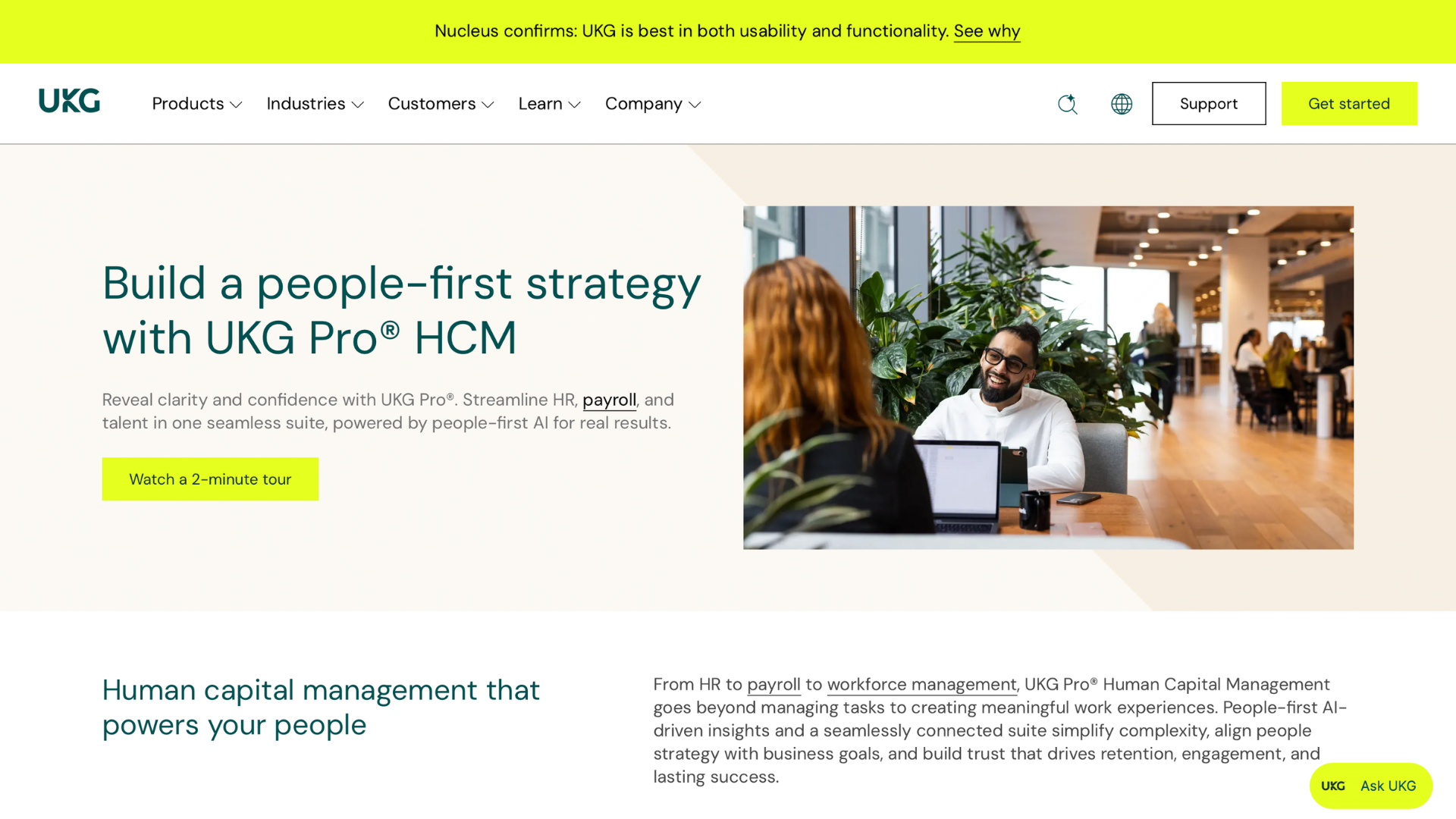
1. UKG: enterprise suite for hourly-heavy workforces where payroll, scheduling and time must share one record.
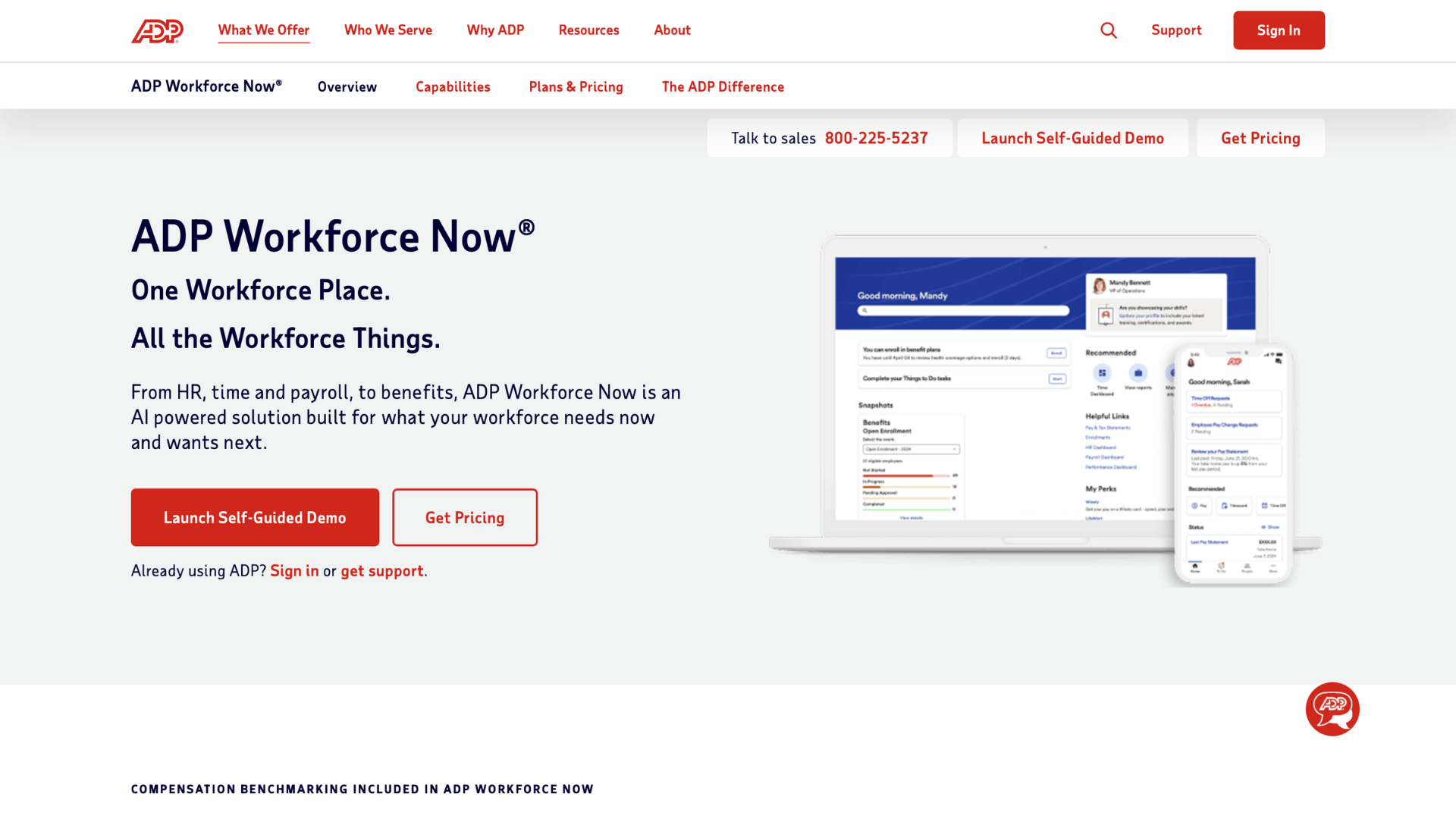
2. ADP Workforce Now: the mid-market standard for multi-state payroll tax, with the broadest marketplace here.
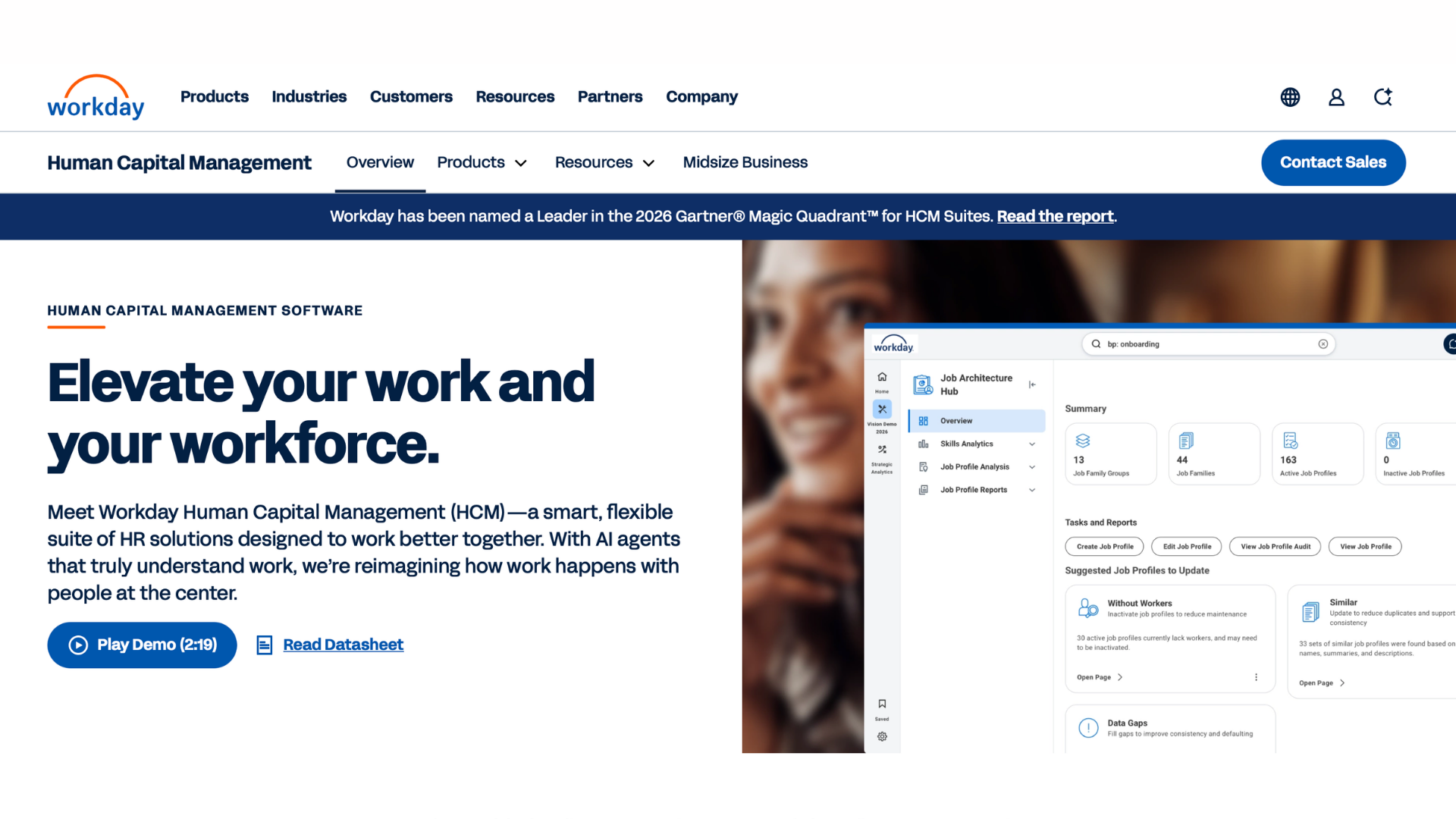
3. Workday HCM: the enterprise Human Capital Management (HCM) suite putting HR, finance and planning on one data model.
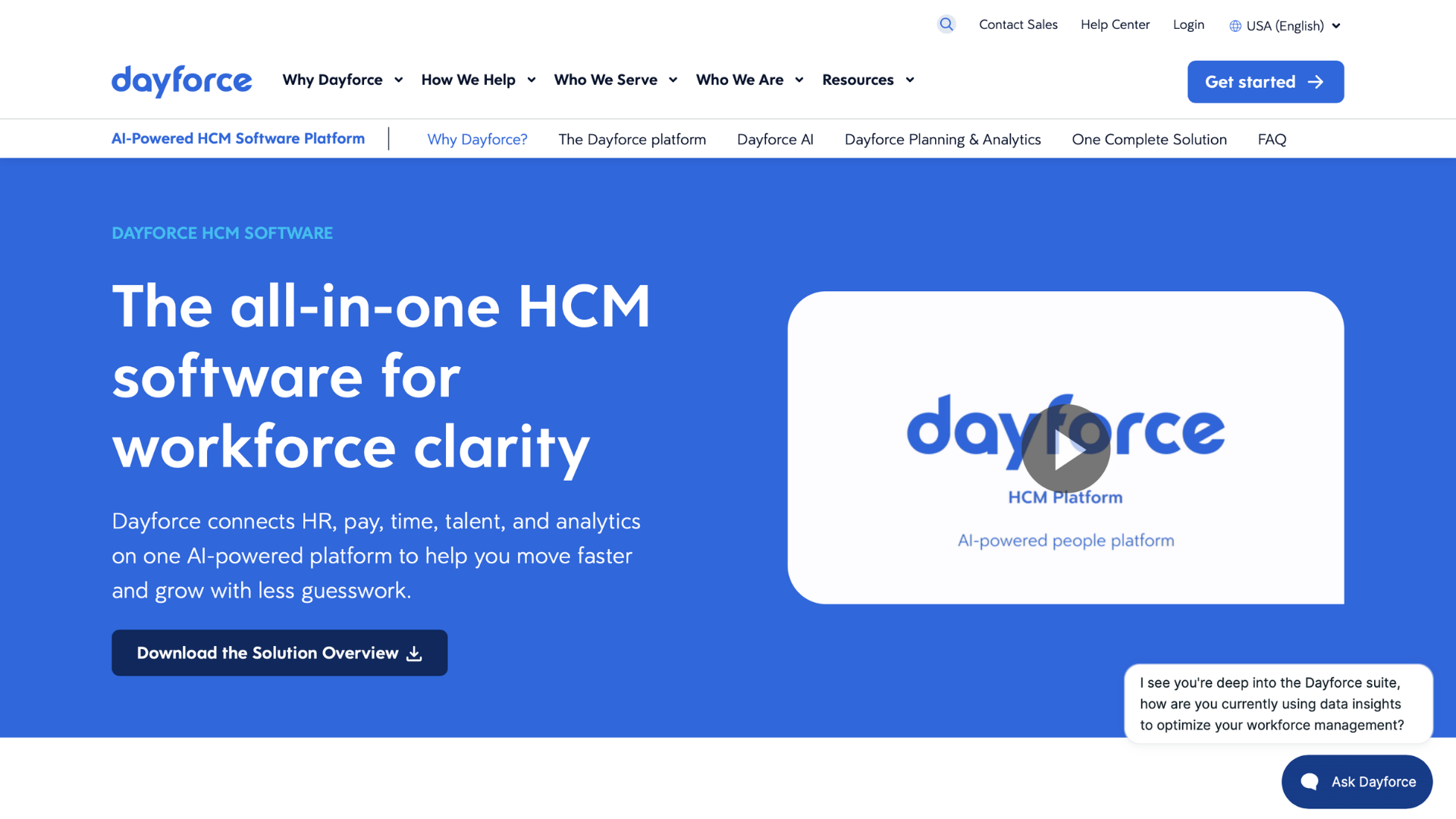
4. Dayforce: continuous pay calculation and deep scheduling for large hourly workforces in retail, healthcare and hospitality.
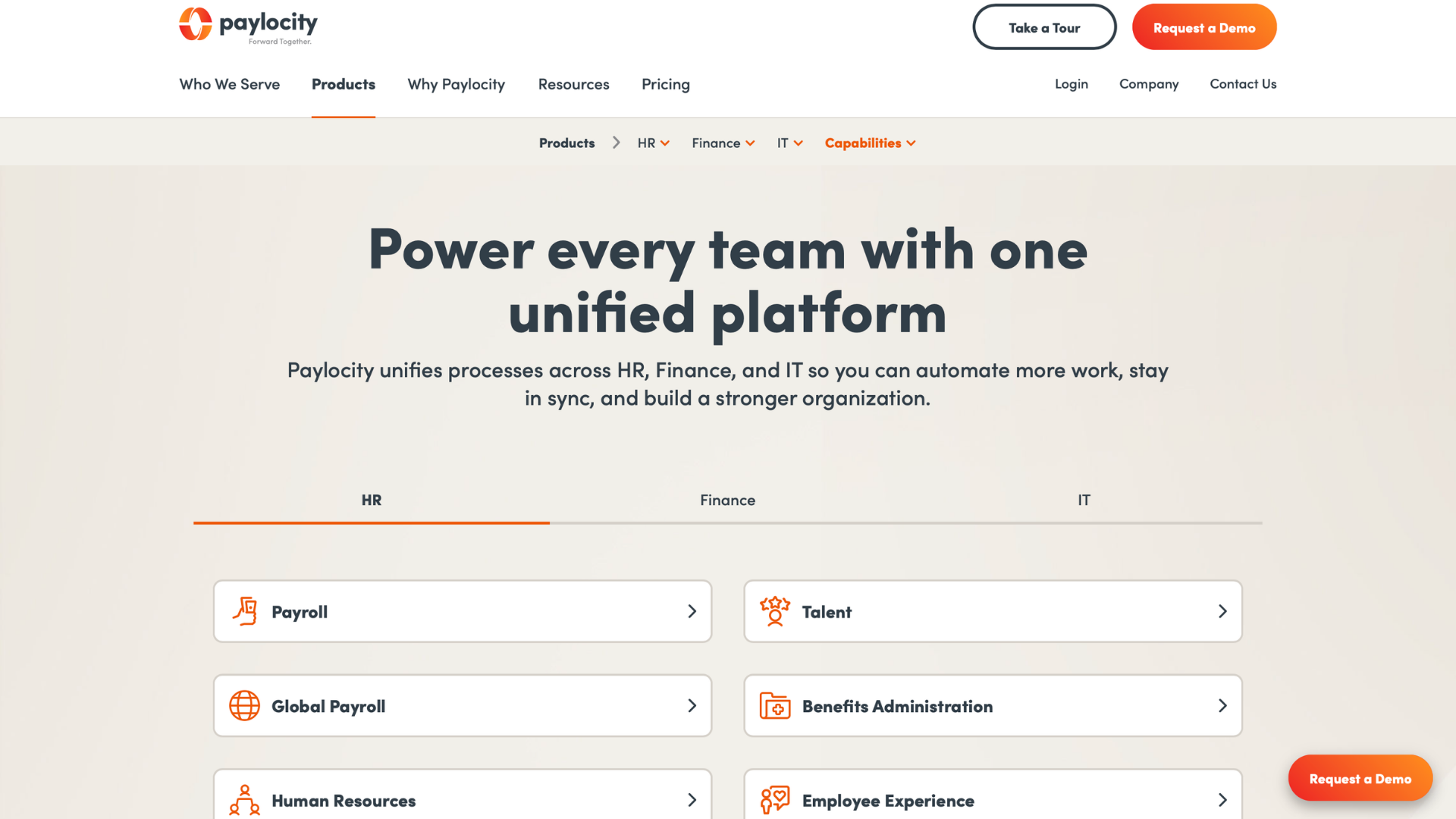
5. Paylocity: mid-market payroll and HR with engagement tools built in, plus Airbase spend management.
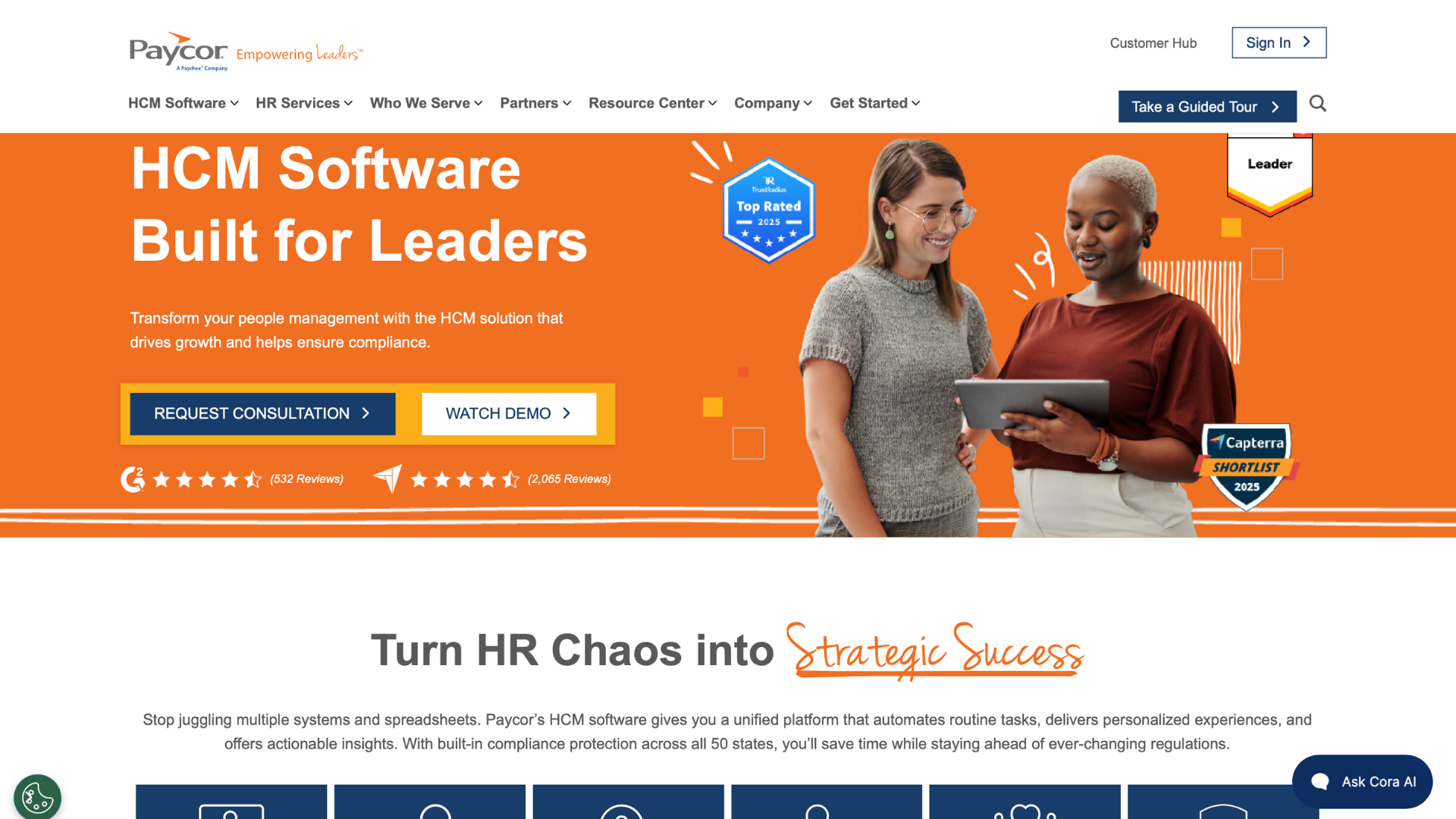
6. Paycor: mid-market suite with manager dashboards and engagement surveys, strong in restaurants, healthcare and manufacturing.
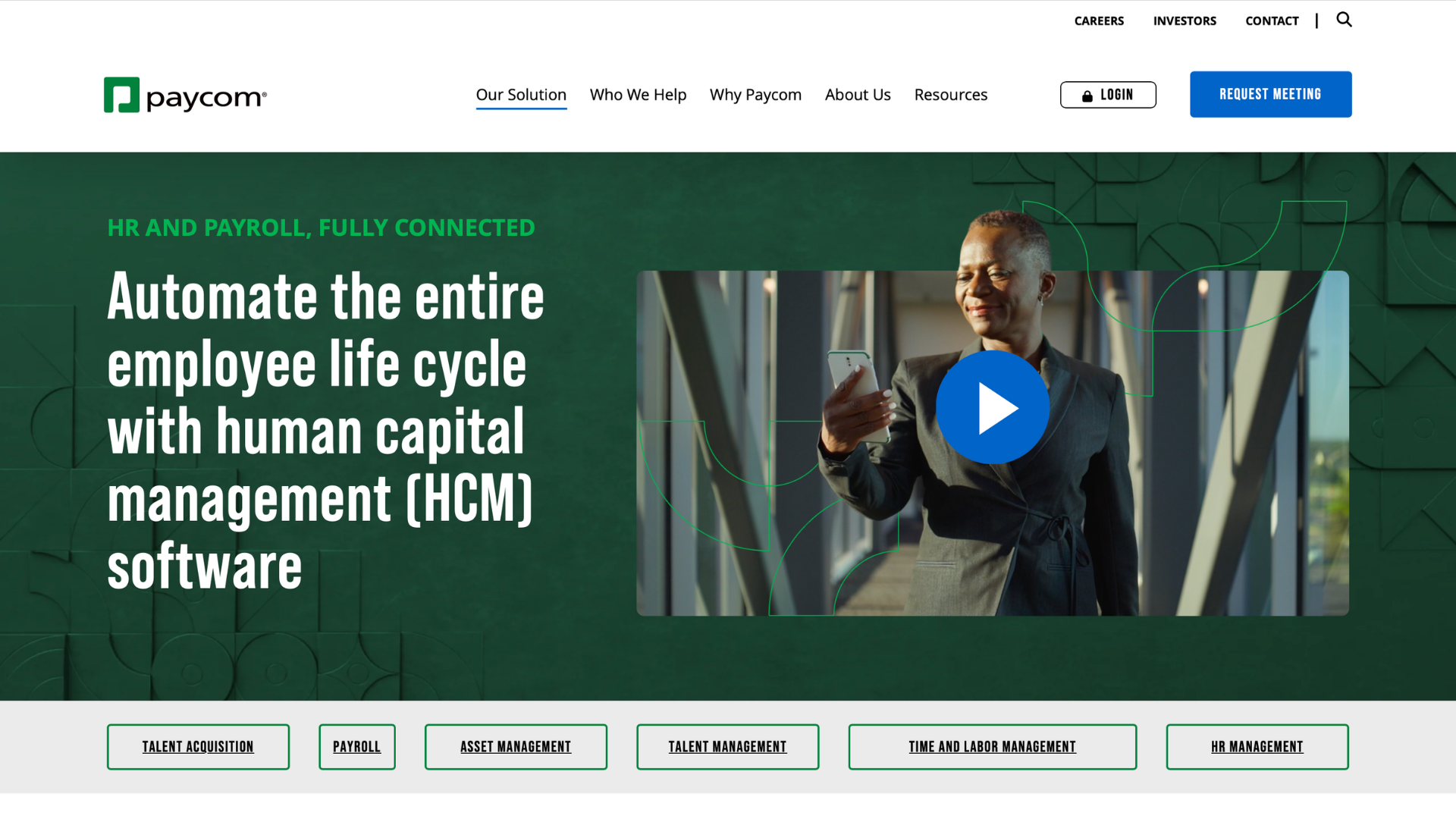
7. Paycom: single-database payroll and HR where employees approve their own paychecks through Beti before payroll runs.
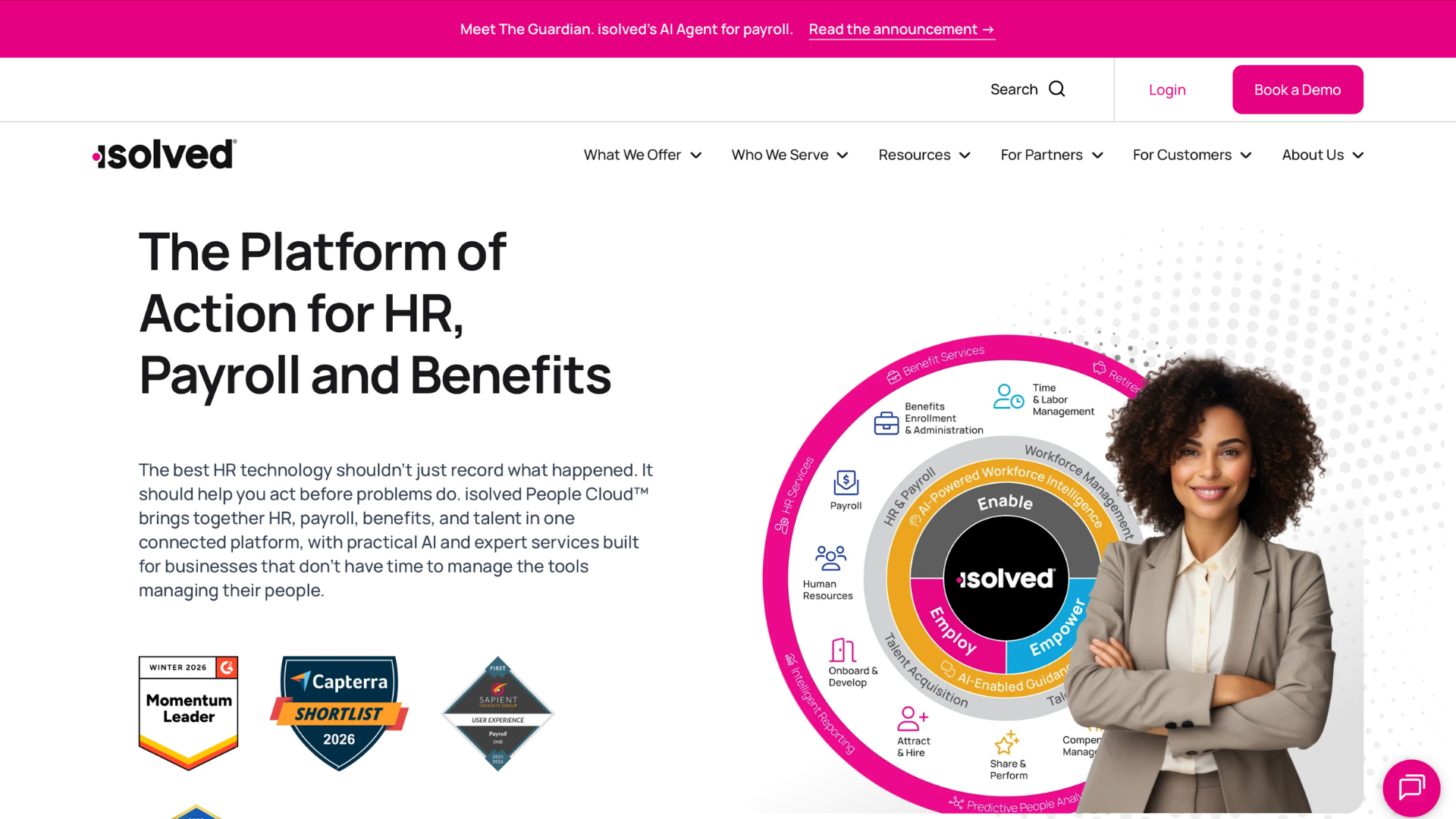
8. isolved People Cloud: payroll and HR for 50 to 1,500 employees, with in-house COBRA, FSA and HSA administration.
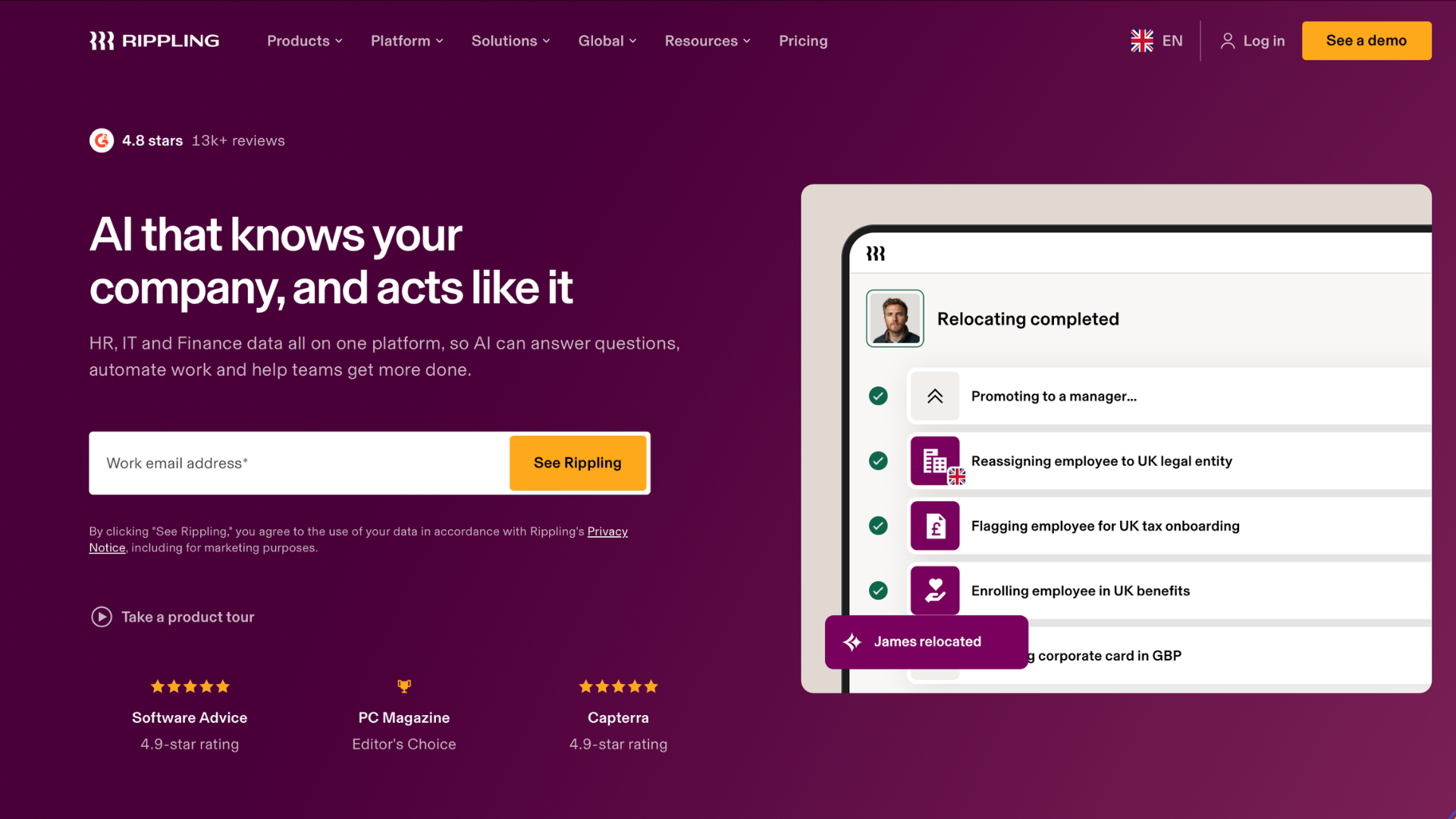
9. Rippling: one record for HR, payroll, IT and spend, among the top HRIS systems for distributed teams.
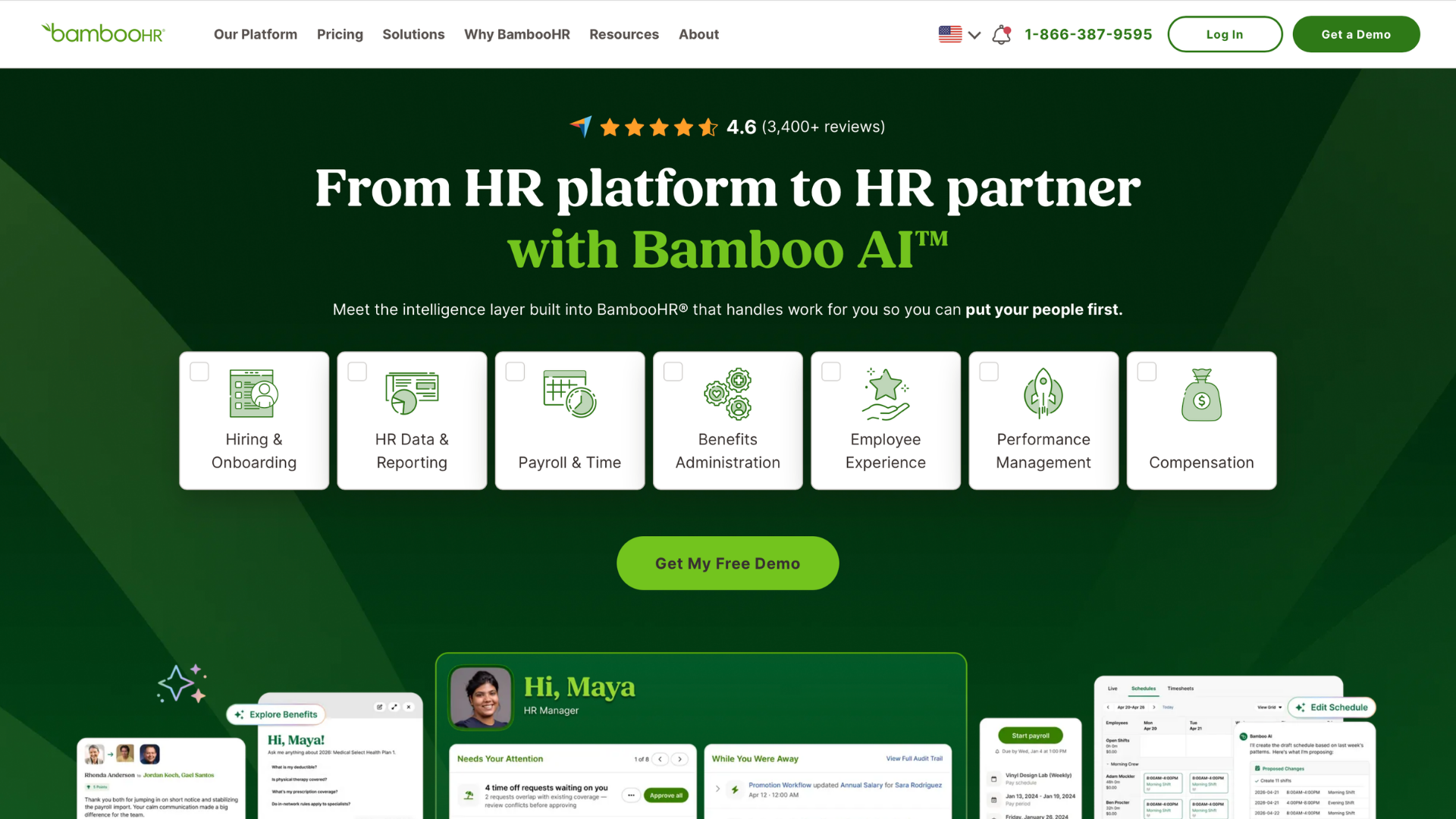
10. BambooHR: the clearest published pricing here and the fastest setup for first-time buyers under 250 employees.
How We Evaluated the Best HRIS Systems
Picks by HR teams means the platforms HR departments most choose and rate publicly, weighed against vendor documentation, not a proprietary survey. We read HRIS systems reviews on G2, Capterra and Gartner Peer Insights for recurring themes.
We ranked US-market platforms with in-house payroll and a real benefits module, weighted toward mid-market and enterprise employers. The top HRIS systems overlap with, but do not match, lists of popular HRIS systems for small businesses, where Gusto, Personio and Deel belong.
Eight criteria decided which of the best HRIS systems made the cut:
Ease of Use: approval clicks, configuration without consultants.
Employee Self-Service: mobile pay stubs, W-2s, enrollment, time off.
Reporting and analytics: a usable report builder, CFO-ready dashboards.
Workflow Automation: automated workflows for approvals and status changes.
Integrations: native connectors, marketplace apps, open APIs, fix ownership.
HR Support: named contacts, documented response times, user community.
Pricing and Value: published prices, or a clear model.
Benefits Administration depth: native module or partner, carrier connections and EDI feeds, open enrollment tooling, ACA reporting, and what happens after the feed. None of the 10 reconciles carrier invoices natively.
Rankings, verdicts, size bands and timelines are editorial judgment. Nothing here is paid placement.
Top 10 HRIS Systems for 2026: Deep Review
Each review names modules you can check on the vendor's site, a size band and at least one specific limitation. Size bands are ranges, not rules.
1. UKG Pro
Key features:
UKG Pro People Center for core HR, employee records and compensation
Workforce Management (formerly Dimensions) for scheduling, time and labor costs
Pro Pay for US payroll and carrier-connected benefits
UKG Bryte AI assistant
Pros:
Multi-state, multi-entity payroll tax depth
Scheduling built for hourly, shift-based workforces
People analytics and benchmarking
Cons:
Complex implementations commonly run six months or more
Users frequently report slow support case resolution
Workforce Management needs its own implementation
Pricing: Quote-based, per employee per month (PEPM) by module bundle, plus implementation.
Best for: 1,000+ employees with large hourly populations in healthcare, manufacturing, retail.
Our verdict: Right when complex scheduling and US payroll must share one record. Wrong for a 300-person office.
2. ADP Workforce Now
Key features:
ADP Workforce Now in Select, Plus and Premium packages, benefits from Plus upward
ADP Marketplace for third-party apps, ADP DataCloud for benchmarks
ADP Assist generative AI
Time and Attendance from Premium
Pros:
Payroll tax filing in every state
The broadest app marketplace of the 10
Benchmarks from ADP's own client base
Cons:
Users frequently report inconsistent support on complex cases
Talent and recruiting sit in higher packages
Custom reports need the report builder
Pricing: Quote-based, PEPM by package, plus implementation fees and annual contracts.
Best for: 50 to 1,000 employees needing multi-state payroll compliance first.
Our verdict: Safe when multi-state payroll accuracy is the main risk. Less suited to teams wanting one modern interface.
3. Workday HCM
Key features:
Workday HCM: position management, one data model for HR and finance
Workday Payroll in a few countries, others via Global Payroll Connect
Adaptive Planning for workforce planning and headcount budgets
Peakon Employee Voice for employee engagement, Illuminate for AI (vendor claim)
Pros:
Enterprise-grade security and auditing
Carrier connections via Cloud Connect for Benefits
Our verdict: Right when COBRA and FSA administration should come from the payroll vendor. Wrong for multi-country enterprises.
9. Rippling
Key features:
Rippling Unity, the required platform holding one employee record for every module
US payroll, Rippling Global Payroll, contractor payments
Rippling IT for device provisioning, Workflow Studio for the onboarding workflow
Benefits administration with carrier connections, time tracking and performance, all sold separately
Pros:
One trigger creates accounts, ships laptops, enrolls benefits
Automation non-developers can build
Transparent pricing
Cons:
Every product licensed separately, so full stacks cost more
Users frequently report slow support on payroll corrections
Pricing: From $8 per user per month for the platform (checked September 2026), products priced separately, some with base fees.
Best for: 25 to 1,000 employees, especially distributed teams where IT falls to HR.
Our verdict: Right when HR and IT should share one record. Wrong for large hourly workforces.
10. BambooHR
Key features:
BambooHR core HR: employee records, hiring, onboarding in every package
Payroll (US only) and Benefits Administration as paid add-ons
Time Tracking add-on (Time & Attendance on the pricing page)
Performance Management from Pro, Employee Wellbeing in every package
Pros:
Published prices, flat rate for tiny companies
Implementations measured in weeks
ATS included in every package
Cons:
US-only payroll, priced separately
Carrier connections only with the benefits add-on, for select national carriers
Users frequently report limited custom reporting
Pricing: From $10 per employee per month (checked September 2026): Core $10, Pro $17, Elite $25 above 25 employees, or a $250+ flat rate.
Best for: Under 250 employees buying a first HRIS, stretching toward 1,000.
Our verdict: Right for a first system a two-person HR team can run. Multi-state hourly employers outgrow it.
Best HRIS Systems Compared
The table puts the top HRIS systems side by side to shortlist the best HRIS platforms for your size. Native means the vendor's own module in its suite, Add-on means the vendor's module licensed separately from the base package, and Partner means a third party delivers it.
HRIS Platform
Best For
Company Size
Core HR
Payroll
Performance
ATS
Benefits Admin
Starting Price
UKG Pro
Hourly-heavy enterprises
1,000+
Native
Native
Native
Native
Native
Quote-based
ADP Workforce Now
Multi-state mid-market
50–1,000
Native
Native
Add-on
Add-on
Add-on
Quote-based
Workday HCM
Multi-entity enterprises
2,500+
Native
Native
Native
Native
Native
Quote-based
Dayforce
Complex schedules
1,000+
Native
Native
Native
Native
Native
Quote-based
Paylocity
Culture-focused mid-market
100–1,000
Native
Native
Native
Native
Native
Quote-based
Paycor
Frontline mid-market
50–1,000
Native
Native
Add-on
Add-on
Add-on
Quote-based
Paycom
Single-database payroll
100–2,500
Native
Native
Native
Native
Native
Quote-based
isolved People Cloud
Payroll plus COBRA/FSA
50–1,500
Native
Native
Native
Native
Native
Quote-based
Rippling
Distributed, IT-heavy
25–1,000
Native
Add-on
Add-on
Add-on
Add-on
From $8
BambooHR
First-time buyers
Under 250
Native
Add-on
Add-on
Native
Add-on
From $10
Best HRIS Systems by Company Size
The top HRIS systems separate by company size more than by feature list: HRIS solutions that suit a 60-person company rarely suit a 6,000-person one. Bands are editorial ranges.
Best HRIS for Small Businesses
Under 100 employees, stretching to about 250, BambooHR and Rippling fit: BambooHR for published pricing and setup speed, Rippling for IT provisioning and automation. Gusto is a common small-business choice outside the top 10 because it thins out past a few hundred employees. Personio and Deel serve European and global-first teams. The best HRIS system is one your office manager can run without a consultant.
Best HRIS for Mid-Sized Companies
Between 100 and 2,500 employees, Paylocity, Paycor, Paycom, isolved, ADP and Rippling cover most needs. Requirements change here: multi-state payroll tax, carrier feeds per benefit plan, the first real reporting requests, and a second location. Human Resources Information Systems at this tier should file ACA Forms 1094-C and 1095-C and the EEO-1 without spreadsheet exports. HiBob is an also-consider for culture-first teams.
Best HRIS for Enterprise Organizations
Above 2,500 employees, Workday, UKG, Dayforce and ADP (Workforce Now at the lower end, ADP Lyric HCM above) fit, with SAP SuccessFactors and Oracle Fusion Cloud HCM as also-considers. What matters: data model, position management, global payroll coverage, workforce planning tied to budgets, and a security review your CISO signs. Human Capital Management suites are bought on architecture, not demo polish.
Which HRIS Features Matter Most in 2026?
An HRIS is still a Human Resource Information System first: the record of who is employed, paid and enrolled. Every feature below is sold as employee experience and only matters if it keeps that record accurate for stretched HR teams.
Employee Self-Service on mobile for pay stubs, W-2s and enrollment changes
Automated workflows for the onboarding workflow and offboarding, through final pay
The HRIS sends enrollment data to carriers, but matching the carrier's bill back to that data is still a separate, usually manual, job: in the first week of each month, a benefits manager exports enrollment and matches the medical carrier's invoice line by line in a spreadsheet.
How to Choose the Best HRIS for your Needs?
No single best HRIS system exists, only the one that fits how you hire, pay and enroll. Take these steps in order.
1. Map processes and pain first, such as payroll changes re-keyed into the benefits portal.
2. Define must-have modules, separate from webinar-only features.
3. Shortlist by size and industry: the best HRIS systems for a 4,000-person hospital and a 300-person agency differ.
4. Run scripted demos on your own employee data, with a mid-year plan change.
5. Check data flow: payroll to benefits, benefits to carriers, HRIS to finance, each with an owner.
6. Call references your size and ask what implementation took.
7. Model three-year total cost: implementation, add-ons, renewal price step.
8. Get the implementation plan and contract terms in writing before naming your best HRIS system.
HRIS Selection Checklist
Paste these into a scorecard and ask every vendor for each.
CSV export of employee data with field definitions
One custom report built live in the demo
Carrier feed list: carriers, EDI 834 or API, setup time each
Open enrollment workflow end to end, with a dependent add
ACA reporting: who files Forms 1094-C and 1095-C
Written implementation timeline with go-live and blackout weeks
Renewal price step and headcount minimum, in the contract
Data-export clause: format, cost, timeline if you leave
Integration ownership: who fixes a broken payroll-to-benefits sync
Common Mistakes When Choosing an HRIS
The mistakes we see most when HR teams buy HRIS solutions, with the bill that follows:
Buying on demo polish instead of the data model. Interfaces age fast, and a weak data model costs you at every integration.
Assuming the HRIS reconciles carrier invoices. It sends enrollment out, and terminated employees stay billed until someone compares invoice and export.
Underestimating data migration. Cleaning 10 years of employee data often outlasts configuration.
Going live within 60 days of open enrollment. The benefits manager runs enrollment in two systems while learning one.
Paying for modules nobody configures. Bundled learning or compensation modules sit idle and inflate renewals.
Ignoring the payroll-deduction-to-premium match. Deductions and premiums drift after every mid-year change, and the gap is your money.
Skipping exit and data-export terms. Leaving then means a data pull at the vendor's pace and price.
Not asking who owns a broken integration. The best HRIS system in the demo becomes a ticket queue between two vendors.
How Tabulera Helps HR Teams
Tabulera is not an HRIS. It works alongside the platforms above and the payroll and benefits administration systems that feed them. Tabulera automates carrier connections and reconciles carrier invoices against enrollment and payroll deduction data, so variances (terminated employees still billed, missed new hires, wrong coverage tiers) surface before premiums are paid. Built for US employers with 500+ employees and for service providers administering benefits for many clients (PEOs, ASOs, TPAs, brokers). HR teams at that scale spend the first week of the month on benefits reconciliation in a spreadsheet. Pull last month's carrier invoice and compare it with your HRIS enrollment export and payroll deductions: finding what does not match is the work Tabulera automates.
Conclusion
The top 10 HRIS systems sort by size: BambooHR and Rippling under 250 employees, Paylocity through ADP in the mid-market, and Workday, UKG and Dayforce above 2,500. The best HRIS systems sit in one tier, and Human Resources Information Systems from another tier cost more than they return.
Ask every vendor two questions: what happens to enrollment data after it reaches the carrier, and who owns a broken integration. Take this HRIS system list into scripted demos with your data, alongside our best HR tools roundup.
FAQ
Frequently asked questions
What are the best HRIS systems?
The top HRIS systems for US employers in 2026 are UKG, ADP, Workday, Dayforce, Paylocity, Paycor, Paycom, isolved, Rippling and BambooHR. Headcount decides: BambooHR and Rippling under 250 employees, the mid-market group through 2,500, and Workday, UKG and Dayforce above that.
How much does HRIS software cost?
HRIS software is priced per employee per month, in bundles or by module, plus an implementation fee, and most vendors quote rather than publish. BambooHR is the exception at $10 to $25 (checked September 2026). The best HRIS software contracts fix renewal steps in writing.
What features should I look for in an HRIS platform?
Look for employee self-service on mobile, payroll and benefits on one record, carrier connections with EDI feeds, ACA reporting, time and scheduling, performance management, analytics and open APIs. The best HRIS system also exports data cleanly for renewal or exit.
What is the difference between HRIS, HRMS, and Human Capital Management?
An HRIS, or Human Resource Information System, is the core employee record with payroll, benefits and reporting. An HRMS adds talent modules: recruiting, performance, learning. Human Capital Management describes the full suite, adding headcount planning and analytics, though vendors blur the terms.
Does an HRIS reconcile benefits carrier invoices?
No. An HRIS sends enrollment elections to carriers through EDI feeds but does not compare the carrier's monthly invoice with enrollment and payroll deductions. That reconciliation is a separate step, done in spreadsheets or dedicated software, where terminated employees still billed surface.
Benefits Open Enrollment: Employer Guide and Checklist
A complete open enrollment guide for employers: when the open enrollment period runs, key dates and deadlines, a step-by-step checklist, and tips that work.
Best HRIS Systems: Top 10 Picks by HR Teams in 2026
Discover the best HRIS systems in 2026. Compare the top 10 HRIS platforms, features, pricing, pros and cons, and find the best HRIS software for your HR team