HR teams lose ~14 hours a week to tasks software can already handle — the case for automation is simple arithmetic.
No tool covers the full employee lifecycle. Most specialize in 2–3 areas, so map your most expensive workflows before buying.
Benefits billing is the least automated corner of HR — and the one where a 1–2% error rate quietly compounds into real money.
Fastest ROI: an all-in-one suite for core HR, plus a specialist where errors cost the most (for most 500+ employers, that's carrier billing)
Nobody joins an HR team to copy data between spreadsheets. Yet that's where the hours go - re-keying records, chasing approvals, auditing carrier invoices line by line. This guide compares the best HR automation tools for 2026 - what each one automates, who it fits, what it costs, and where it falls short. The focus is practical: where manual HR processes actually break, which HR automation tools fix them, and what the waiting costs HR teams.
What Is HR Automation Software?
HR automation software uses rules, integrations, and increasingly AI to run repetitive human resource operations without manual effort - moving data between HR systems, triggering approvals, generating documents, and syncing records the moment something changes.
Two flavors exist. Rule-based platforms follow if-this-then-that logic: when a new hire signs an offer, create their accounts and schedule orientation. AI-driven platforms go further, interpreting requests and completing multi-step actions on their own. Both fall under HR automation, and most companies end up running a mix.
The category now spans the entire employee lifecycle, from resume screening to benefits billing - the scope people mean by human resources automation. Done well, HR automation tools turn HR processes that once took days into background jobs.
Why Businesses Need HR Automation Software
The case for HR automation tools is mostly arithmetic. A CareerBuilder survey found HR managers lose about 14 hours a week to automatable tasks, and McKinsey has estimated roughly half of hire-to-retire work could be automated with current technology. That's before counting the cost of errors - a mistyped deduction, a missed enrollment, a duplicate premium payment.
HR automation pays off in four ways: time back for HR teams, fewer costly mistakes, cleaner compliance trails, and faster answers for employees. New AI tools raise that ceiling by resolving requests that used to become tickets. There's a retention angle too: human resource leaders burn out their best specialists on data entry, and automation in human resources is often the cheapest way to keep them.
Modern HR automation software also closes a gap finance cares about. When enrollment data drifts across systems, companies quietly overpay carriers - the premium leakage problem that rarely surfaces until an audit.
Processes HR Automation Can Handle
Practically every repetitive workflow is a candidate:
- Payroll: wage calculation, tax filing, and deduction syncs - payroll automation at its most valuable.
- Benefits: enrollment file exchange, invoice reconciliation, premium billing - the least automated corner of HR and the one with real dollars attached.
- Time and attendance: schedules, overtime alerts, PTO accruals.
- Offboarding: access revocation, final pay, COBRA notices.
Employee self-service sits underneath all of it, letting people update their own records and get answers without opening a ticket. The best automated HR systems don't just complete tasks - they keep every platform that touches the employee lifecycle in agreement, so payroll, carriers, and HRIS never tell three different stories. Most HR automation tools specialize in two or three of these areas. Very few cover them all, which is why the list below spans several categories - and why you should map your HR processes before you buy.
Best-Rated HR Automation Tools at a Glance
Here's how the best rated HR tools for automation stack up:
Tool
Best for
Standout automation
Starting price*
Tabulera
Benefits teams at 500+ employers, PEOs, brokers
Carrier invoice reconciliation & EDI feeds, benefits billing automation
Custom quote
BambooHR
SMB–mid-market all-in-one HR
Onboarding workflows
Quote (per employee)
Rippling
Unified HR + IT + finance
Cross-app workflow studio
~$8/user/mo
Workday HCM
Large enterprises
Org-wide workflows + AI
Quote
ADP Workforce Now
Mid-market payroll-first teams
Payroll runs & tax filing
Quote
Gusto
Small businesses
Autopilot payroll
~$40/mo + $6/person
UKG Pro
Enterprise workforce management
Scheduling & time automation
Quote
SAP SuccessFactors
Global enterprises
Talent & compliance workflows
Quote
ServiceNow HRSD
HR service delivery at scale
Cross-department journeys
Quote
Moveworks
AI support in Slack/Teams
Autonomous request resolution
Quote
Leena AI
HR ticket deflection
AI answers & case automation
Quote
Greenhouse
Structured hiring
Interview scheduling
Quote
Workable
SMB–mid-market recruiting
AI sourcing & posting
~$149/mo
Leapsome
Reviews & engagement
Automated review cycles
~$8/user/mo
Zapier
Connecting your stack
8,000+ app workflows
Free; ~$20/mo
15 Best HR Automation Tools to Save Your Company Time & Money
Fifteen HR automation tools, each built for a different job.
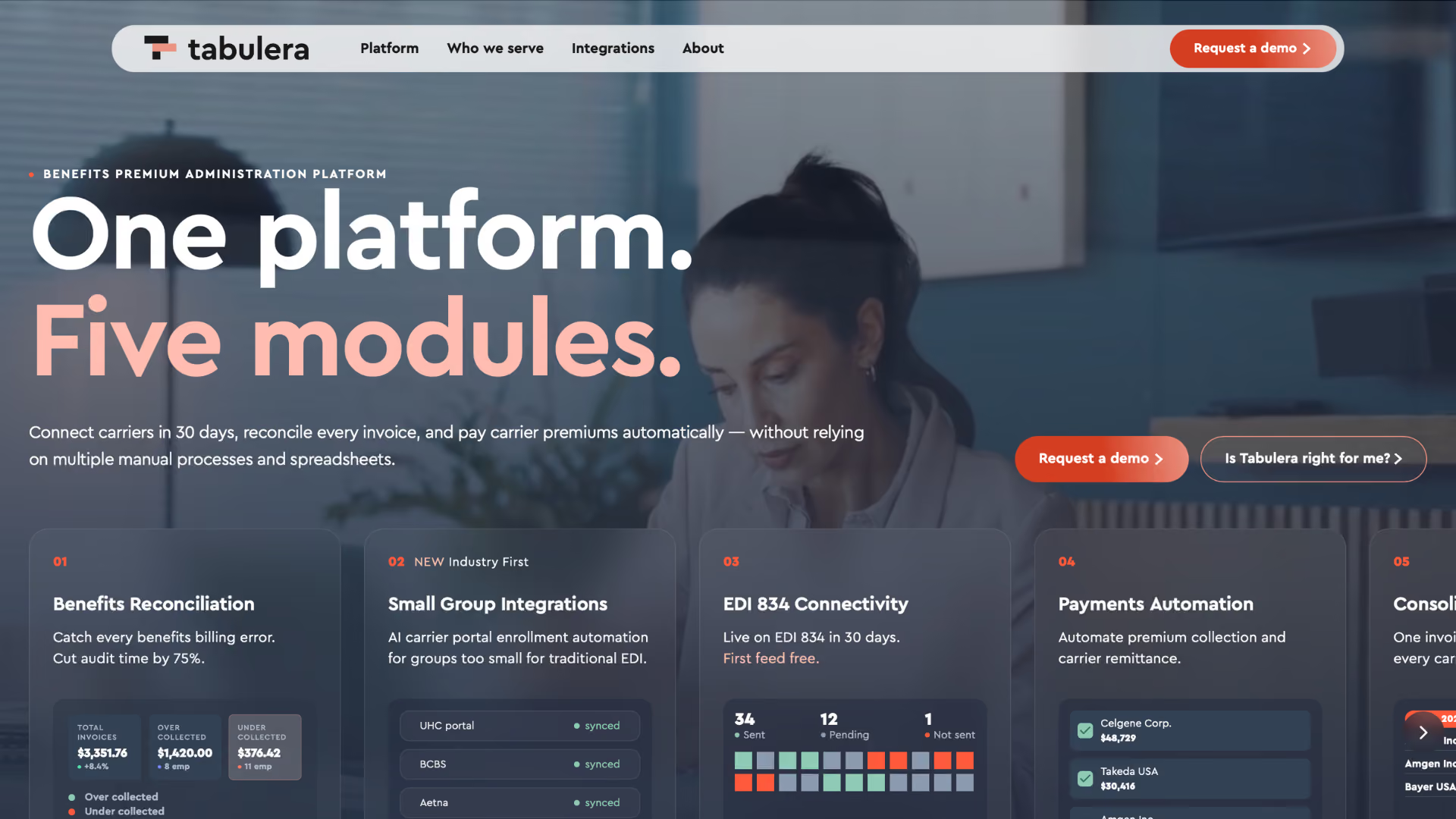
Overview: Tabulera automates the corner of HR where errors cost real money - benefits administration. It reconciles carrier invoices against enrollment records line by line, connects employers to 34+ carriers through EDI 834 feeds that go live in under 30 days, and rolls every carrier bill into one consolidated invoice.
Best for: Employers with 500+ employees, PEOs, ASOs, staffing companies, and brokers managing benefits across many groups.
- Payment automation for premium collection and carrier remittance
- AI-driven small-group enrollment for UHC, BCBS, and Aetna portals
Pros: Cuts invoice audit time by ~75%; works with any HRIS or payroll (Workday, ADP, UKG, PrismHR, isolved, Employee Navigator); 1M+ lives processed, 90%+ retention, SOC 1 certified.
Cons: A benefits specialist, not an ATS or performance suite; US market only.
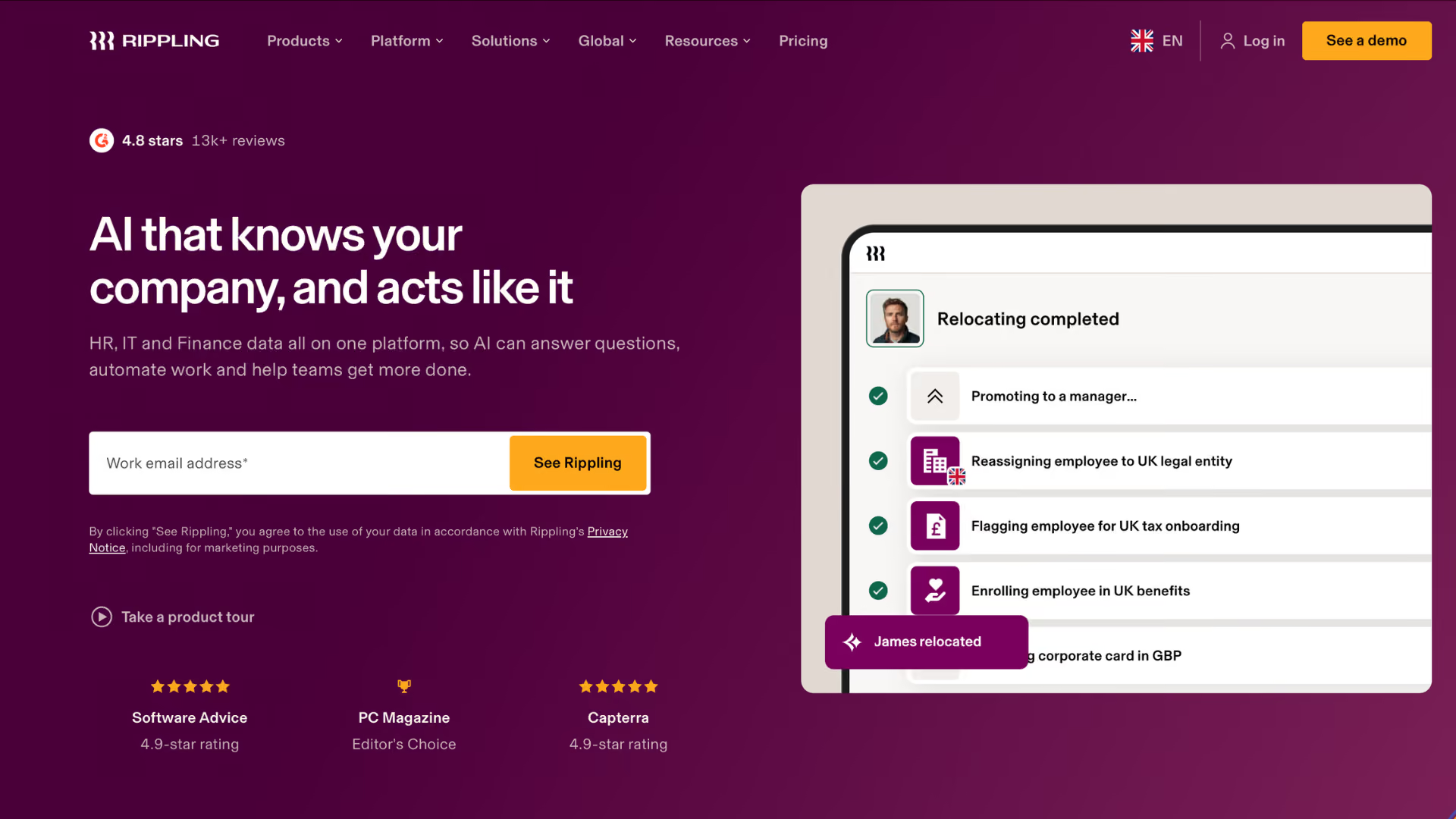
Overview: Rippling is an automated HR platform that treats HR, IT, and finance as one system: one onboarding run sets up payroll, benefits, apps, and ships the laptop.
Best for: Companies that want employee data to drive automation beyond HR.
Key features:
- Workflow studio with custom triggers across any connected app
- Device and app provisioning tied to employee records
- Global payroll and contractor payments
Pros: Deepest cross-function automation in its class; modular — buy what you need.
Cons: Module pricing adds up; more setup than lightweight tools.
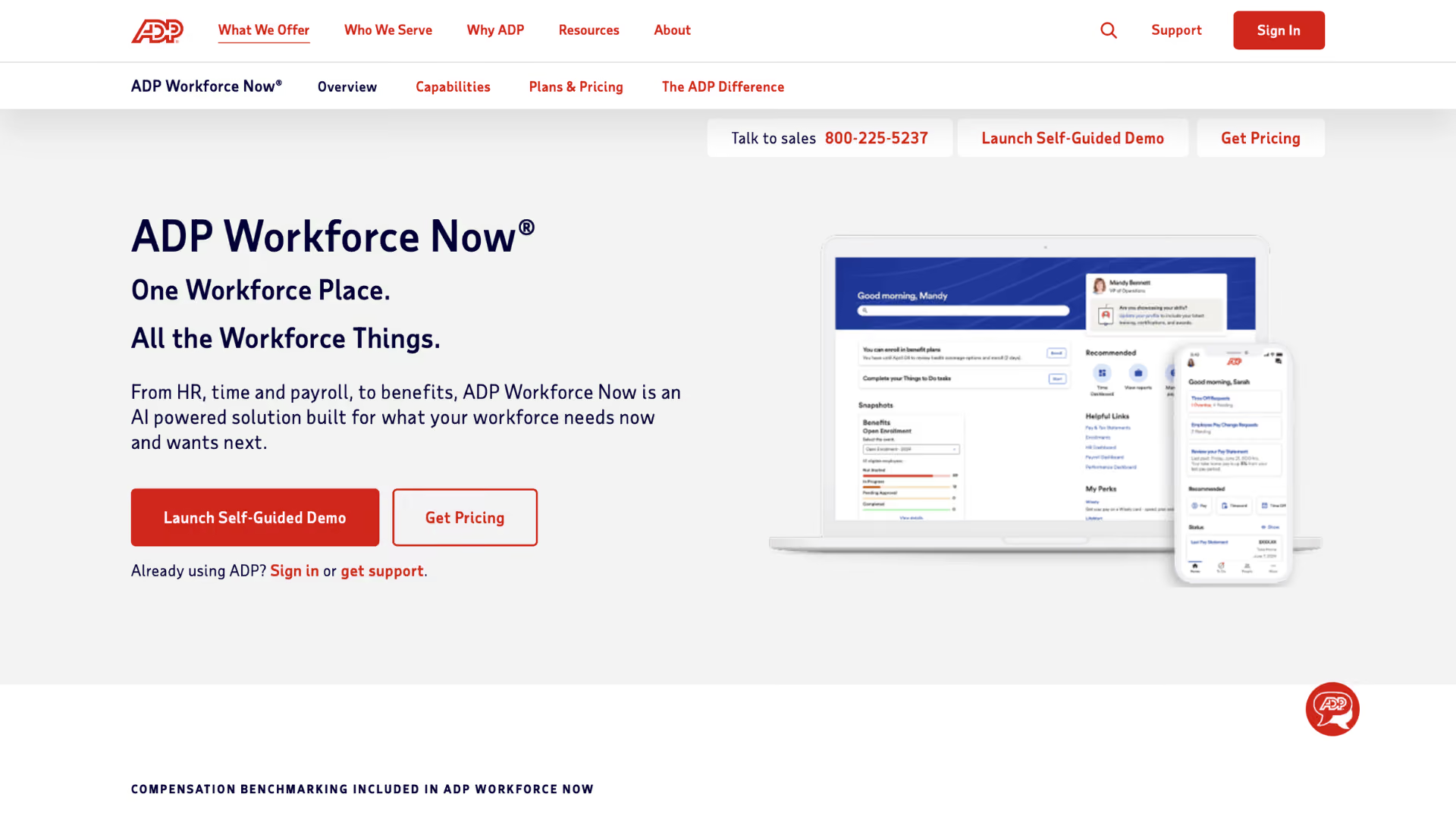
Overview: ADP Workforce Now anchors mid-market HR on payroll automation: scheduled runs, tax filing across jurisdictions, and benefits deductions in one suite.
Best for: US companies of 50–1,000 employees that want payroll compliance handled.
Key features:
- Automated payroll with error flagging before each run
- Tax filing and year-end forms
- Benefits, time, and talent modules on one record
Pros: Compliance muscle; scales without switching vendors.
Cons: Modules can feel stitched together; add-on fees accumulate.
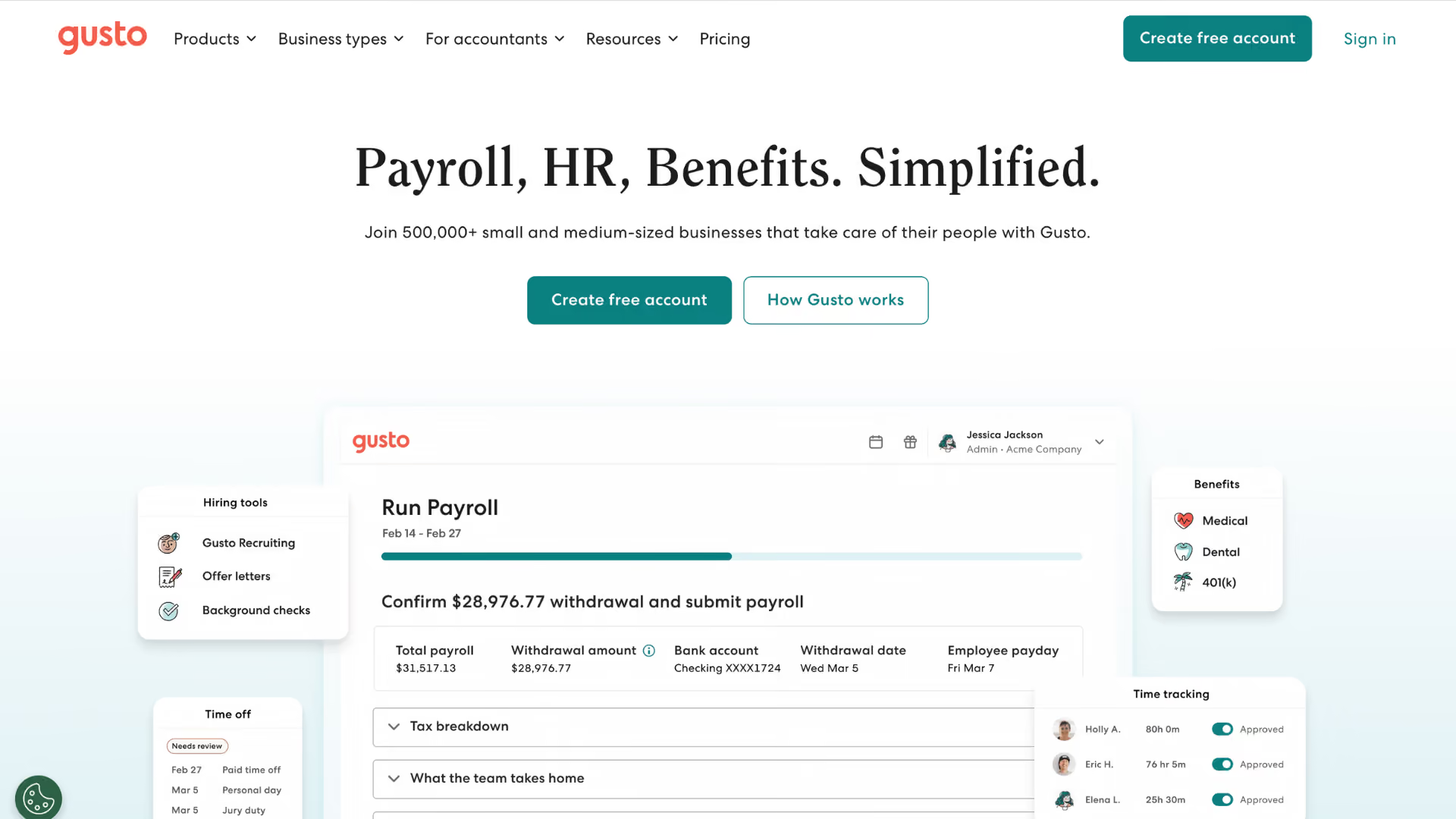
Overview: Gusto is automated HR software for small businesses - payroll on autopilot, benefits enrollment, and onboarding checklists without an admin headcount.
Best for: US small businesses up to a few hundred employees.
Key features:
- AutoPilot payroll that runs itself each cycle
- Benefits sync with payroll deductions
- New-hire onboarding checklists and e-file paperwork
Pros: Easiest payroll experience on this list; transparent pricing.
Cons: Outgrown at scale; limited enterprise controls and reporting.
Overview: UKG Pro pairs enterprise HR with workforce management, automating the messy operational layer - shift scheduling, time and attendance, absence rules.
Best for: Hourly and shift-heavy workforces in healthcare, retail, and manufacturing.
Key features:
- Rules-based scheduling and overtime alerts
- Bryte AI insights across workforce data
- Payroll and compliance for complex pay policies
Pros: Strongest time-and-labor automation here; handles union and multi-state rules.
Cons: Complex to administer; pricing takes negotiation.
Overview: SAP SuccessFactors automates talent and core HR for global enterprises - performance management cycles and compliance workflows across countries - with the Joule AI copilot inside.
Best for: Multinationals that need localization in dozens of jurisdictions.
Key features:
- Global core HR with country-specific compliance packs
- Automated review and goal cycles
- Joule copilot for HR queries and actions
Pros: Unmatched global compliance depth; strong integration with SAP finance.
Overview: ServiceNow HRSD turns HR into a service desk: case management, knowledge, and a self-service portal in one employee center, with journeys that coordinate tasks across HR, IT, and facilities.
Best for: Enterprises already running ServiceNow that want HR requests handled like IT tickets.
Key features:
- HR case and knowledge management
- Cross-department lifecycle journeys
- Now Assist AI for drafting and deflection
Pros: True cross-department orchestration; measurable service SLAs.
Overview: Moveworks puts agentic AI inside Slack and Teams to resolve HR and IT requests end to end - PTO balances, policy answers, ticket routing - with no human touch. It's HR automation software employees talk to instead of log into.
Best for: Enterprises drowning in repetitive HR and IT tickets.
Key features:
- Autonomous request resolution across systems
- Knowledge answers grounded in your policies
- Analytics on deflection and time saved
Pros: High ticket deflection; adoption happens where people already chat.
Cons: Enterprise-oriented; results depend on clean knowledge sources.
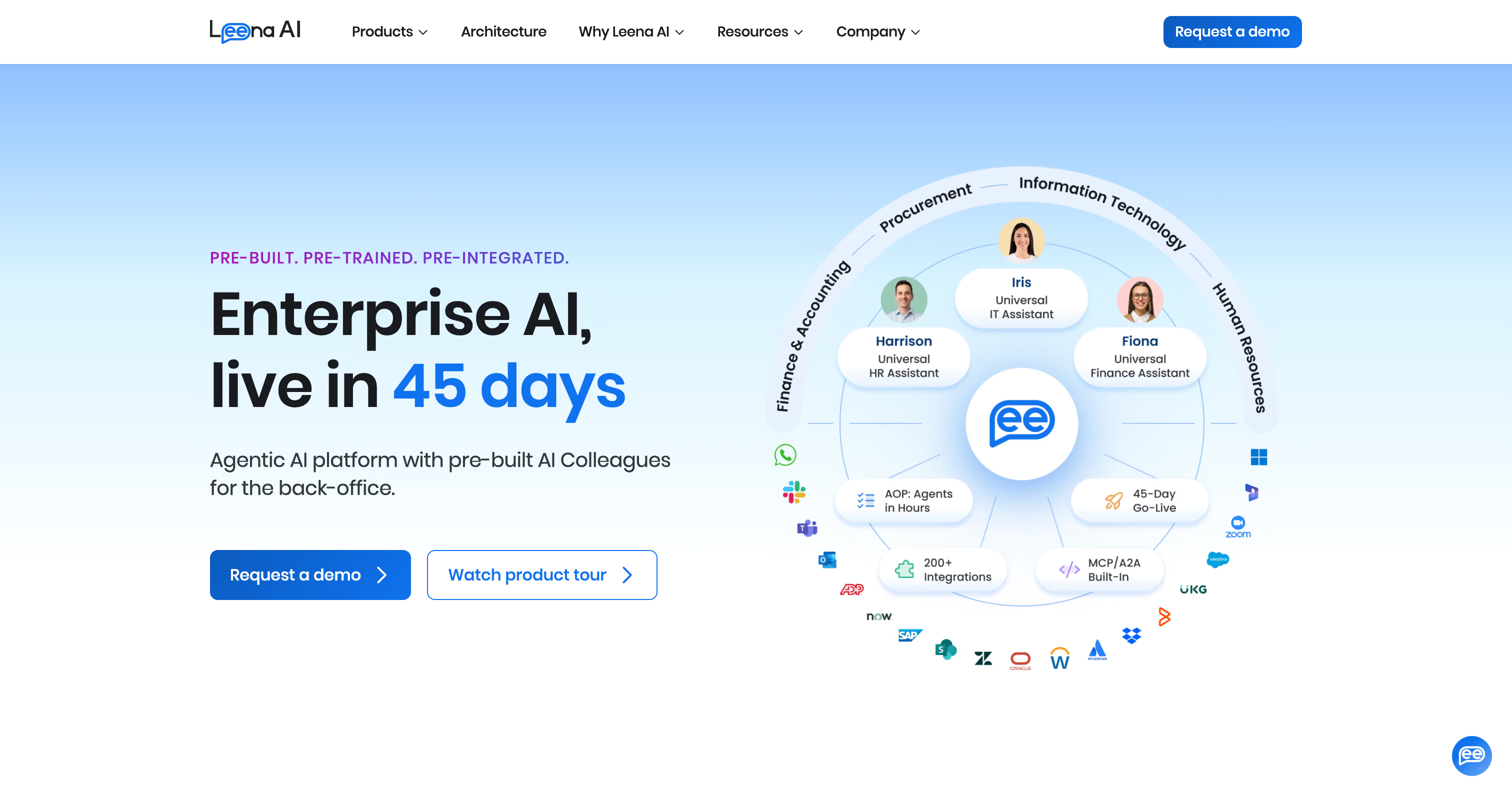
Overview: Leena AI is an AI assistant built for employee self-service: it answers policy questions, files and chases cases, and runs HR helpdesk workflows in dozens of languages.
Best for: Global mid-size to large companies deflecting HR tickets.
Key features:
- Conversational answers from your policy docs
- Automated case creation, routing, and follow-up
- Multilingual support and sentiment tracking
Pros: Among AI tools for HR support, one of the fastest to stand up.
Overview: Greenhouse is the applicant tracking system for structured hiring - automated scheduling, scorecards, and approvals keep every job description and decision consistent across teams.
Best for: Companies hiring at volume that want rigor, not chaos.
Key features:
- Self-scheduling interviews synced to calendars
- Structured scorecards and hiring rubrics
- 500+ integrations across the recruiting stack
Pros: Enforces a repeatable process; rich ecosystem.
Cons: Recruiting only; cost stings for small teams.
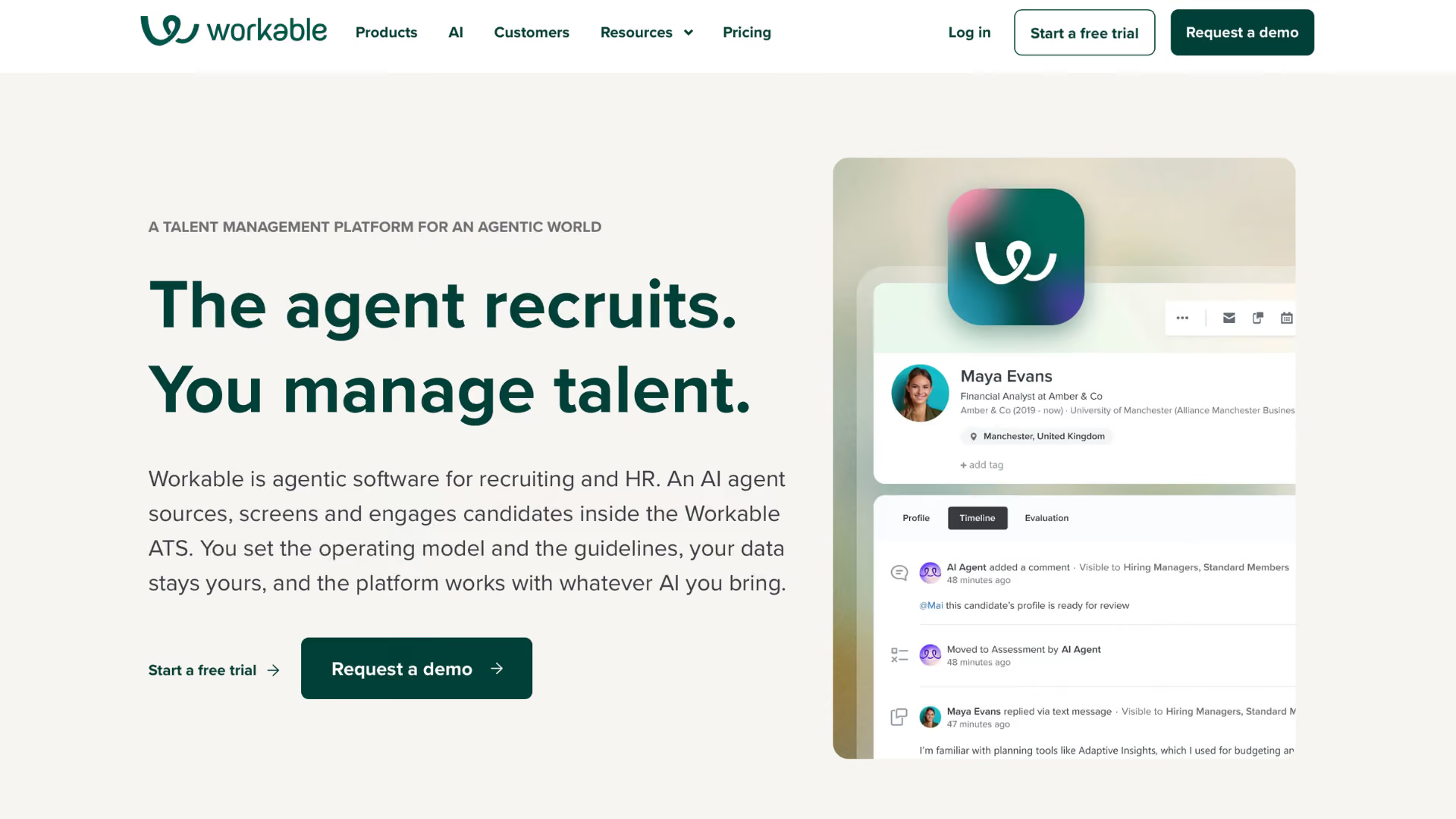
Overview: Workable gives smaller recruiting teams enterprise-grade automation: AI candidate sourcing, one-click posting to 200+ boards, and a generator that drafts a job description in seconds.
Best for: SMB and mid-market teams filling roles fast.
Key features:
- AI-recommended candidates per opening
- One-click multi-board job posting
- Interview kits and e-signature offers
Pros: Fast time-to-value; pay-per-job option for occasional hiring.
Cons: Reporting is lighter than enterprise rivals.
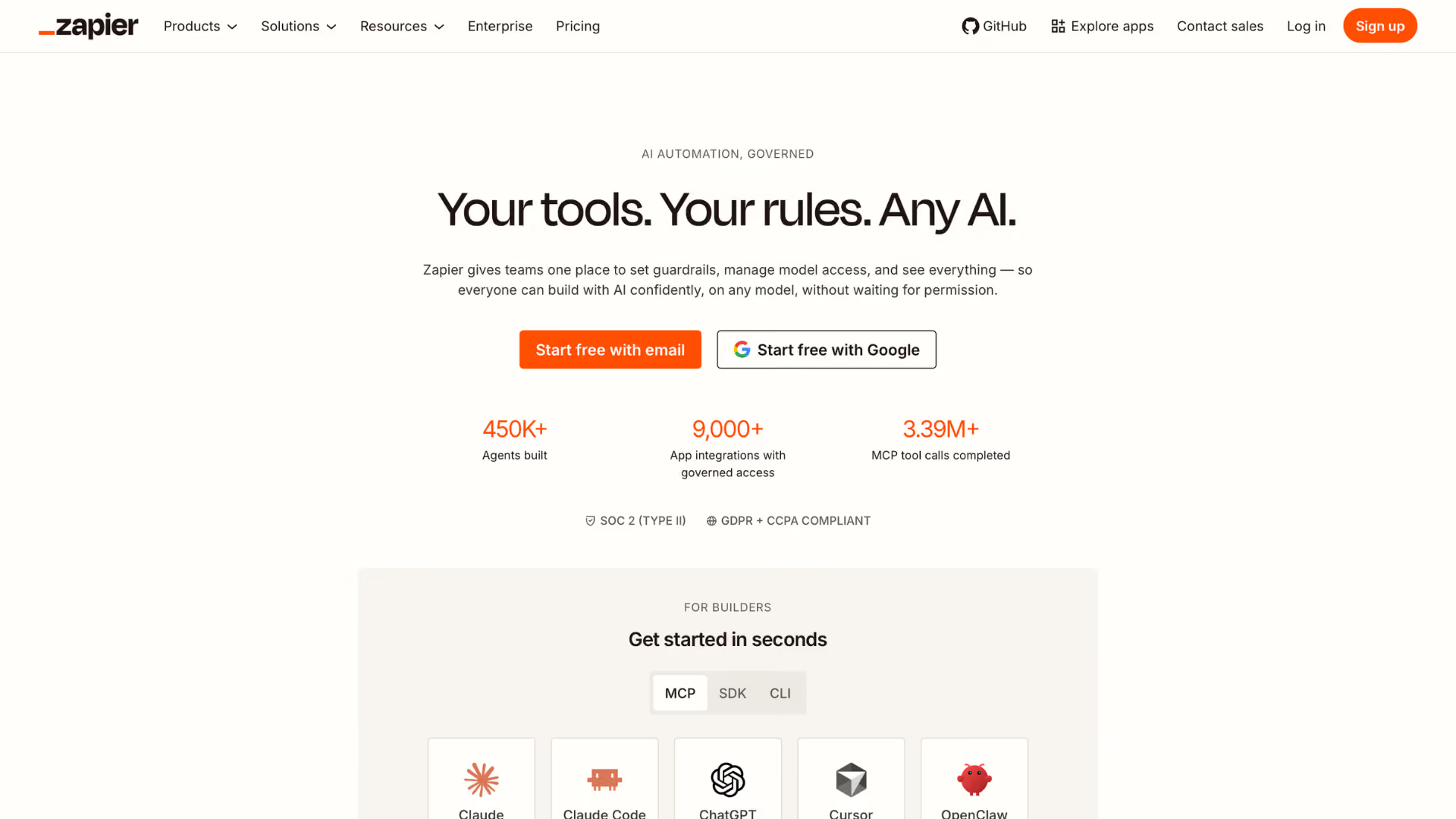
Overview: Zapier is the glue between HR automation tools - 8,000+ app connectors chain your ATS, HRIS, payroll, and docs into custom multi-step workflows no single vendor offers.
Best for: Ops-minded teams automating gaps between existing systems.
Key features:
- Multi-step workflows with conditions and branching
- 8,000+ app integrations, plus webhooks and AI steps
- Prebuilt HR workflow templates
Pros: Automates almost anything; free tier to start.
Cons: Per-task costs grow at scale; you maintain the automations.
Key Features to Look for in an HR Automation Tool
Feature lists blur together after the third demo. When you evaluate HR automation tools, six capabilities separate real HR automation from marketing copy.
Workflow automation
The core question: can a non-technical admin build a five-step approval chain - triggers, conditions, escalations - without a consultant? If every new workflow means a services engagement, the tool will calcify.
Employee onboarding
Look past the welcome-email template. Strong platforms provision accounts, collect signatures, assign training, and schedule 30/60/90 check-ins automatically - with employee self-service so new hires complete their own paperwork before day one.
Recruiting automation
An applicant tracking system should erase the calendar Tetris: self-scheduled interviews, automatic status updates, and a solid first draft of any job description. Recruiters should spend their time on candidates, not logistics.
AI capabilities
Agentic AI now completes multi-step tasks - updating records, filing cases, chasing approvals - rather than just answering questions. Judge AI tools by which systems they can act on and how actions get logged, not by demo charisma.
Reporting
Automation without visibility is a black box. Insist on real-time dashboards, scheduled report delivery, and an audit trail showing what ran, when, and what changed. Your auditors will eventually ask; the software should already know.
Integrations
Your automation layer must speak natively to the HR systems you already run - payroll, carriers, SSO, calendars. If the answer involves nightly CSV exports, the errors will crawl right back in.
How to Choose the Right HR Automation Software
Start from pain, not features. List the three workflows that eat the most hours, put a dollar figure on each, and evaluate every HR automation tool against that list alone. Involve finance early - your CFO cares more about error rates and leakage than interface polish, and budget moves faster when savings have names.
Then demo with your own data. A walkthrough on clean sample records proves nothing; an hour with your actual carrier invoice or last month's new-hire list tells you everything. Check integration depth with the payroll and HRIS you already run, and ask for references from companies your size.
Finally, match scope honestly. All-in-one suites trade depth for breadth; specialist HR automation tools go deep on one expensive problem. Many HR teams run both - a suite for the core, specialists where errors cost real money. That mix is where HR automation earns back its budget fastest.
Common Mistakes When Buying HR Automation Solutions
Five mistakes show up over and over:
1. Assuming all-in-one means best-at-everything. Suites are excellent at their core and average at the edges. Know which edges you depend on.
2. Automating a broken process. Automation makes bad HR processes faster, not better. Fix the workflow first, then speed it up.
3. Stopping at enrollment. Most HR automation software handles the front end of benefits and ignores billing - so carrier invoices go unchecked and premium leakage quietly continues.
4. Underestimating data cleanup. Legacy HR systems full of stale records stall any rollout; budget the cleanup before committing to a go-live date.
5. Buying on demo polish. Flashy AI tools impress in demos and disappoint in production if they can't access your systems. Ask what the software may read and write on day one.
The pattern behind all five: buying HR automation tools for the org chart you wish you had. HR automation succeeds when it's pointed at the specific, measurable mess you have today.
Where Tabulera Fits In
A straight answer, since this is our list: Tabulera won't screen your resumes or run your review cycles. Fourteen tools above do those jobs well. We do one job the rest of the market skips - automating benefits billing. That means carrier invoices reconciled against a per-employee ledger instead of Excel, EDI feeds to 34+ carriers live in under 30 days, premium collection and remittance that run themselves, and one consolidated invoice across every carrier and plan. It's HR automation software for the layer where a 1–2% error rate quietly compounds into real money; one client recovered $531,742 in a single year. So the honest buying advice: pick from the list above for the front of the employee journey, and put HR automation to work on billing before renewal season. If your HR teams are still auditing invoices by hand - or not auditing them at all - book a demo.
Final Thoughts
The best HR automation tools are the ones aimed at your actual bottleneck. Small teams get the fastest wins from Gusto or BambooHR; enterprises from Workday or UKG plus an AI assistant layer; BPOs, brokers, and large employers from cleaning up benefits billing, where the losses hide. Modern HR automation Software earns its cost when it removes work you can name and measure. Treat HR automation as an operating habit rather than a one-time project, and the hours come back every month.
FAQ
Frequently asked questions
What is HR automation?
Using software to run repetitive HR work automatically - data entry, approvals, notifications, file exchanges, reconciliations. Rules or AI handle the mechanical steps while people keep the judgment calls: hiring decisions, coaching, exceptions.
How much does HR automation software cost?
Small-business suites typically run $6–$25 per employee per month. Recruiting and performance tools price per user or per job, while enterprise platforms and benefits specialists quote by scope. Weigh cost against errors: one month of unchecked carrier billing can exceed a year of subscription fees.
What HR processes can realistically be automated?
Interview scheduling, onboarding paperwork, payroll runs, deduction syncs, benefits enrollment files, carrier invoice reconciliation, PTO tracking, review reminders, offboarding checklists - even the first draft of a job description. What can't be automated is judgment: exceptions, sensitive conversations, and final decisions still need a human.
Can HR automation replace HR professionals?
No - it reassigns them. Automation absorbs the administrative volume, AI tools handle routine requests, and people take the work that requires people: coaching, escalations, policy. Teams that automate become more strategic, not smaller.
What's the difference between an HRIS and an HR automation tool?
An HRIS is the system of record - it stores employee data. Automation acts on that data: moving it between platforms, checking it for errors, triggering next steps. Many suites do both, but specialists automate what your system of record can't, like carrier billing.
How long does it take to implement HR automation tools?
Point solutions go live in days to weeks; full suites take months. Specialists vary - Tabulera's EDI carrier feeds go live in under 30 days. The honest variable is your data: cleaning it before kickoff shortens every timeline.
Benefits Open Enrollment: Employer Guide and Checklist
A complete open enrollment guide for employers: when the open enrollment period runs, key dates and deadlines, a step-by-step checklist, and tips that work.
Best HRIS Systems: Top 10 Picks by HR Teams in 2026
Discover the best HRIS systems in 2026. Compare the top 10 HRIS platforms, features, pricing, pros and cons, and find the best HRIS software for your HR team