An unresolved plan balance doesn't go away when the member does. Balances build up over months, and a termination or plan change can leave a non-zero amount on the books for someone who no longer appears in the current period.
Until now, the Mass Adjustment Template for Plan Balance listed only members present in the selected month - so those balances couldn't be cleared through the template, because the member wasn't in the file.
This release closes that gap. We've added an Include all employees for the selected period option to the Mass Adjustment Template, along with stricter validation on upload - so accumulated balances for members who have dropped out can be cleared in bulk, and a bad file can't partially apply.
What Changed
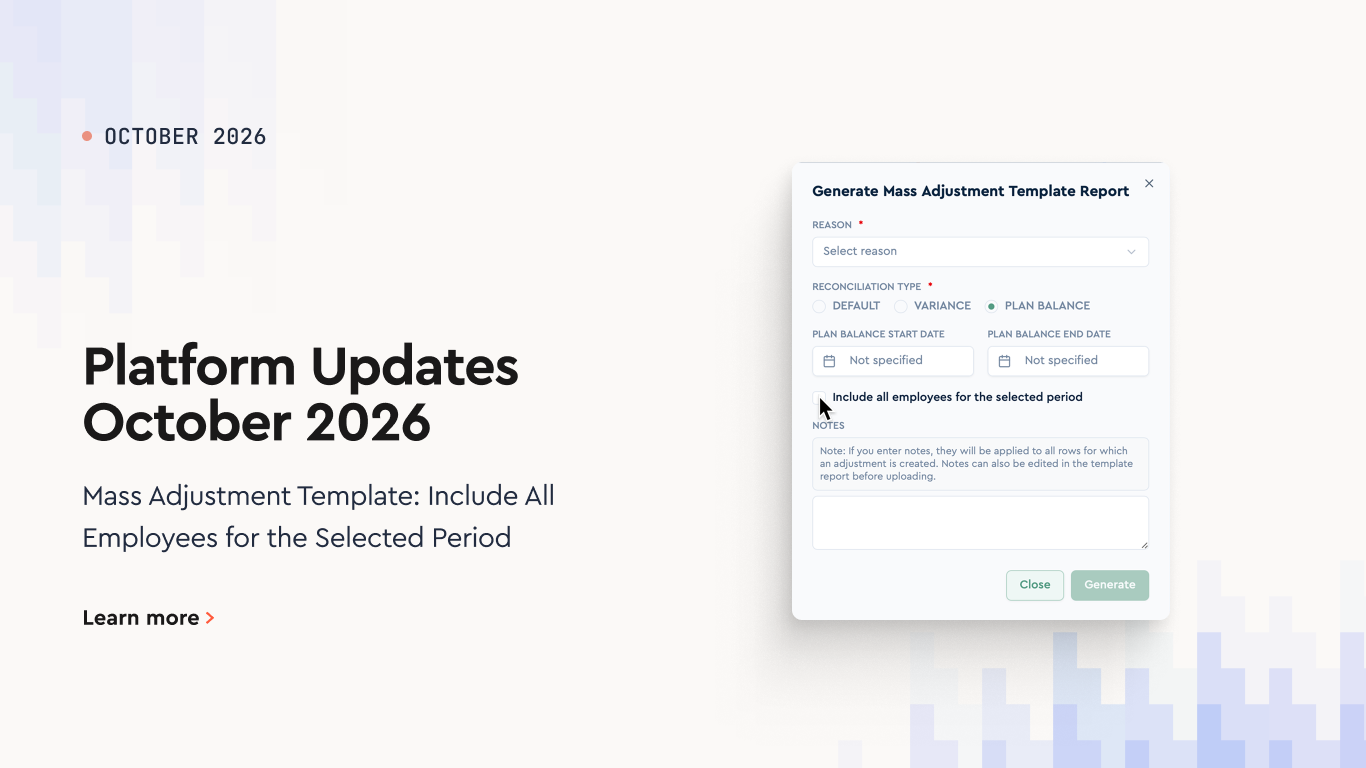
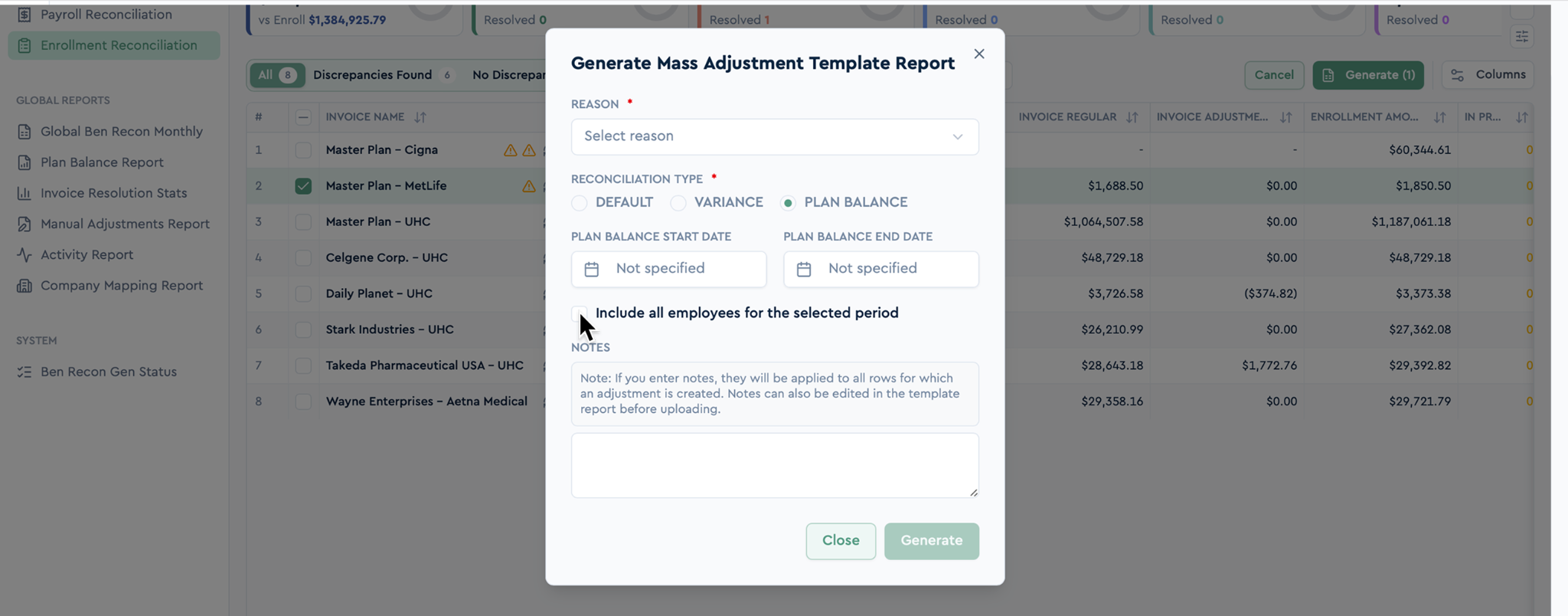
The Generate Mass Adjustment Template Report dialog now includes an Include all employees for the selected period checkbox.
Available for the Plan Balance Reconciliation Type only.
When enabled, the template includes every member who appeared at any point during the selected period - not just those present in the selected month.
Each member's row is pre-filled with their accumulated balance for the whole period.
What to Know Before Uploading
The Month column may differ from the selected month. This is intentional. An adjustment has to land in a month where the member actually exists in the data, or it never reaches reconciliation - so for a member missing from the current month, the template uses the last month they appeared in.
A new In Current Month column (✓ or empty) shows who is present in the selected month, so a different date on a row reads as deliberate rather than as an error.
Locked months are skipped. If every month for a member is locked, they are left out of the template - an adjustment in a locked month would not take effect anyway.
The file uploads back as is, even when it spans several months and carries the extra column. Each month is processed separately.
Upload Validation
The upload step now validates the file before applying any changes.
Unknown Adjustment Reason values are rejected with a clear message. Previously, such a row could silently create an unusable record that appeared nowhere.
Month and Year are required. Without them, the platform cannot check locks correctly or refresh the right reconciliations.
The upload is all-or-nothing. If a problem is found partway through the file - a locked month, for instance - no changes are applied. Previously, some rows could already have been saved.
Lock checks and matching against existing adjustments run per month and per invoice. A multi-month file is handled correctly, and adjustments can no longer be mixed between different invoices for the same member.
Benefits Open Enrollment: Employer Guide and Checklist
A complete open enrollment guide for employers: when the open enrollment period runs, key dates and deadlines, a step-by-step checklist, and tips that work.
Best HRIS Systems: Top 10 Picks by HR Teams in 2026
Discover the best HRIS systems in 2026. Compare the top 10 HRIS platforms, features, pricing, pros and cons, and find the best HRIS software for your HR team