Table of contents:

June 12, 2026

Automated plan balance adjustments

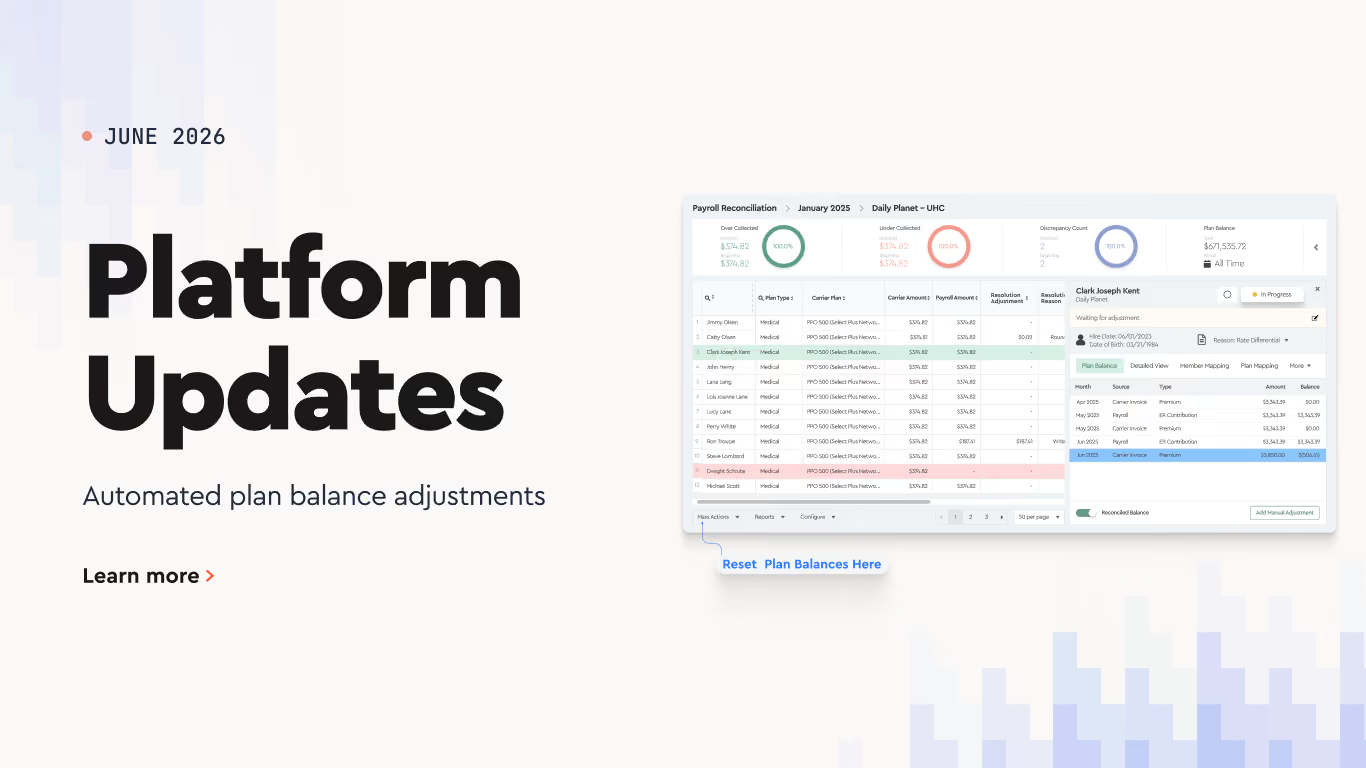
Clearing plan balances used to mean calculating and entering an adjustment for every employee by hand. The Mass Adjustment Template in the Benefits Reconciliation Module now does that math for you.

How to use it

1. Open the Mass Adjustment Template. On the invoice list, click Mass Actions in the bottom toolbar, hover over Mass Adjustment Template, and choose Generate Report.

2. Select the invoices you want to clear. A checkbox column appears in the invoice table. Tick the invoices whose balances you want to adjust, then click Generate.

3. Choose how the adjustments should be calculated. In the Generate Mass Adjustment Template Report window, set the Reason to Beginning Balance, then pick a Reconciliation Type. This is the part that's new, and it decides how the adjustment column in your file gets filled:

Default

the file downloads with an empty adjustment column. You enter each beginning plan balance amount yourself, and it's applied to that person's plan balance. This is the original behavior.

Variance 

the platform automatically fills the adjustment column to clear the variance for the selected month. No manual calculation needed.

Plan Balance

you set a Plan Balance Start Date and End Date, and the platform calculates the adjustments needed to zero the plan balance across that whole period.

Click Generate to download the report.

4. Review the report. Open the downloaded file. For Variance and Plan Balance, the adjustment amounts are already filled in, so you just check them. For Default, enter the amounts yourself. 

5. Upload the report back in. Return to the invoice list, click Mass Actions, hover over Mass Adjustment Template, and choose Upload Report. Select your file, and the plan balances update in full.

This is especially useful during open enrollment, when carrier rates change late and variances pile up over several months.

Andrey Brych

Andrey is a Head of Marketing at Tabulera. He has over eight years of experience in benefits operations and works closely with product and sales teams to bring HR and benefits technology to market.

Tabulera EDI 834
Get your first EDI 834 file live in 30 days
  • GO-LIVE 30 DAYS
  • NO CHARGE UNTIL DONE
  • PORTAL VISIBILITY
  • COMBINE FROM MULTIPLE HRIS
Learn more

Featured Modules

Benefits Reconciliation

Cuts Invoice Audit time by 85% and eliminates 97% of benefit write-offs.

Learn More

EDI Connectivity:

Speed up the creation of carrier EDI 834 enrollment and payroll feeds.

Learn More

Consolidated Invoicing:

Pay a single invoice for all your benefit plans.

Learn More

Payments Automation:

Collect subsidiary premiums and send carrier payments.

Learn More

Subscribe to our YouTube channel
Watch quick demos, product tips, and feature updates from our team.
Subscribe on YouTube

"Tabulera's Reconciliation Platform has significantly reduced our manual errors and streamlined our invoice audits. Our team feels more confident and less overwhelmed with the reconciliation process now."

Director of Benefits at ZampHR

Whats next:

  • Upload data from your HRIS, payroll, COBRA systems, and benefit plan invoices .

  • The platform instantly matches the data and highlights discrepancies.

  • Resolve mismatches with carriers or source data and generate reconciliation reports.